
01 / equipment · 6 included
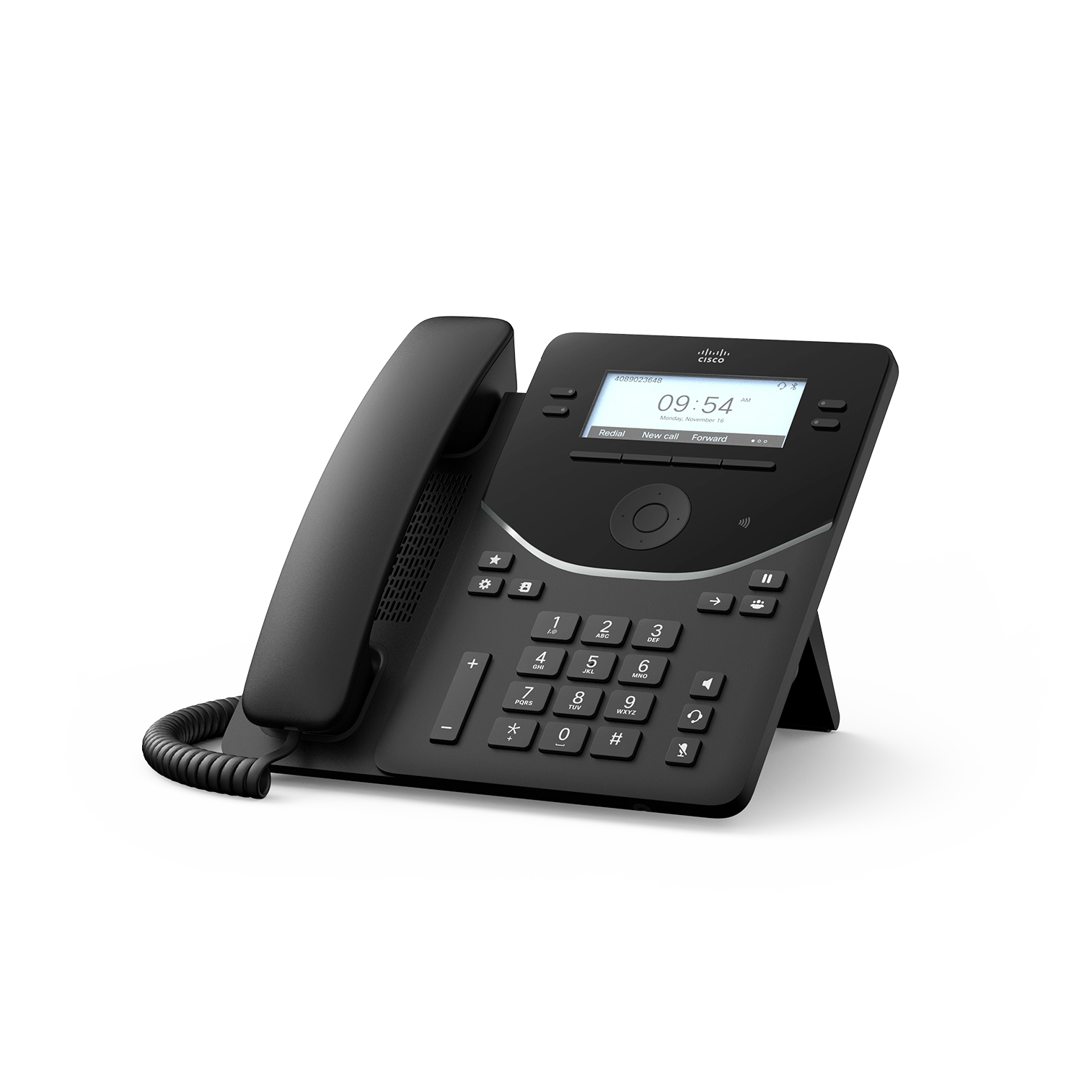
Cisco Desk Phone 9841 endpoints
Firmware, provider registration, licenses, headsets, power, and number assignments are confirmed with the approved calling provider.
Equipment specifications & configuration →A small-office voice endpoint and network package, commissioned against a selected supported calling platform.
6 desk phones · 1 conference phone · 8 data outlets
A written scope and price follow software, hardware, and site verification.
Ask about financing for eligible equipment, software and installation. You may be able to spread the project cost over time.
Explore financing options ↗Environment images are illustrative. Manufacturer photos show the listed products or families. Representative components are labeled; accessories, finish, mounts, and orderable configurations are finalized in the bill of materials.
Designed for: Office teams replacing scattered phones and undocumented network connections.
Firmware, provider registration, licenses, headsets, power, and number assignments are confirmed with the approved calling provider.
Equipment specifications & configuration →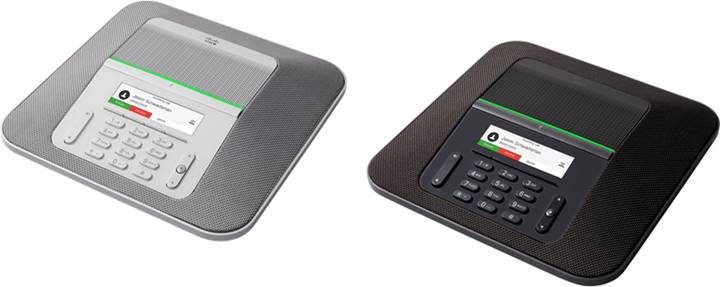
The MPP/provider configuration, power accessory, room conditions, and supported calling platform are verified before purchase.
Equipment specifications & configuration →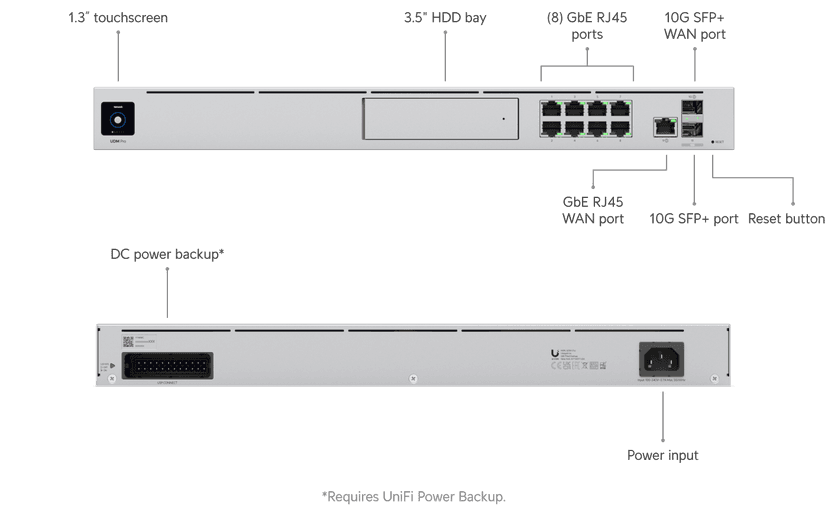
Configured routing, firewall rules, administrative access, and the agreed business/guest network separation.
Equipment specifications & configuration →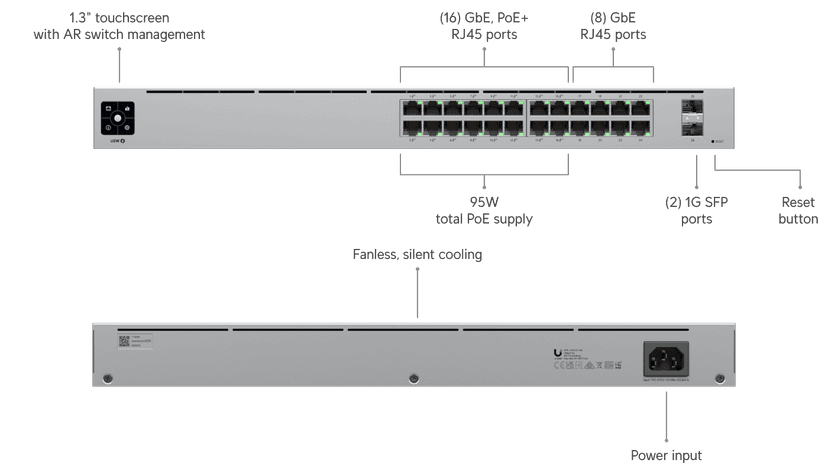
Port schedule and powered-device budget verified against the selected equipment. SFP modules and uplinks are specified when needed.
Equipment specifications & configuration →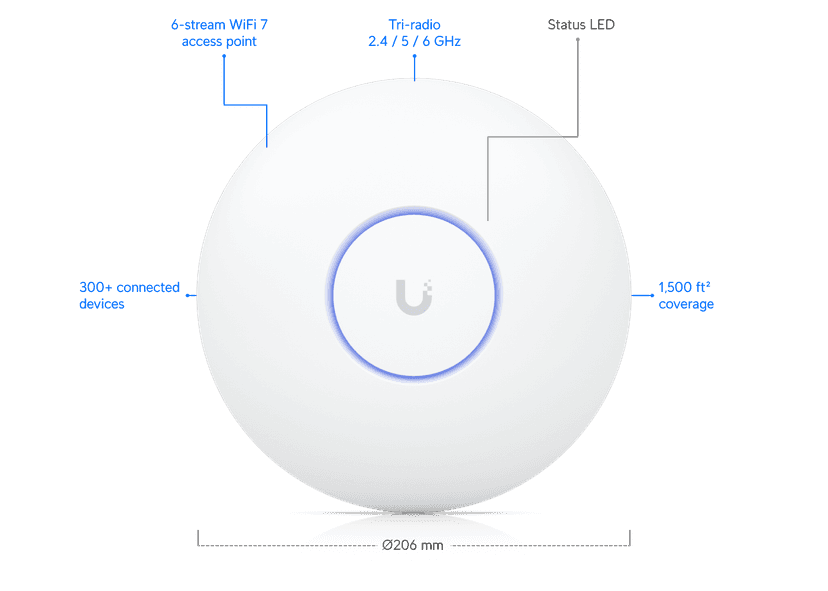
Wired uplinks and agreed SSIDs. Placement and coverage are verified on site; floor area alone does not establish coverage.
Equipment specifications & configuration →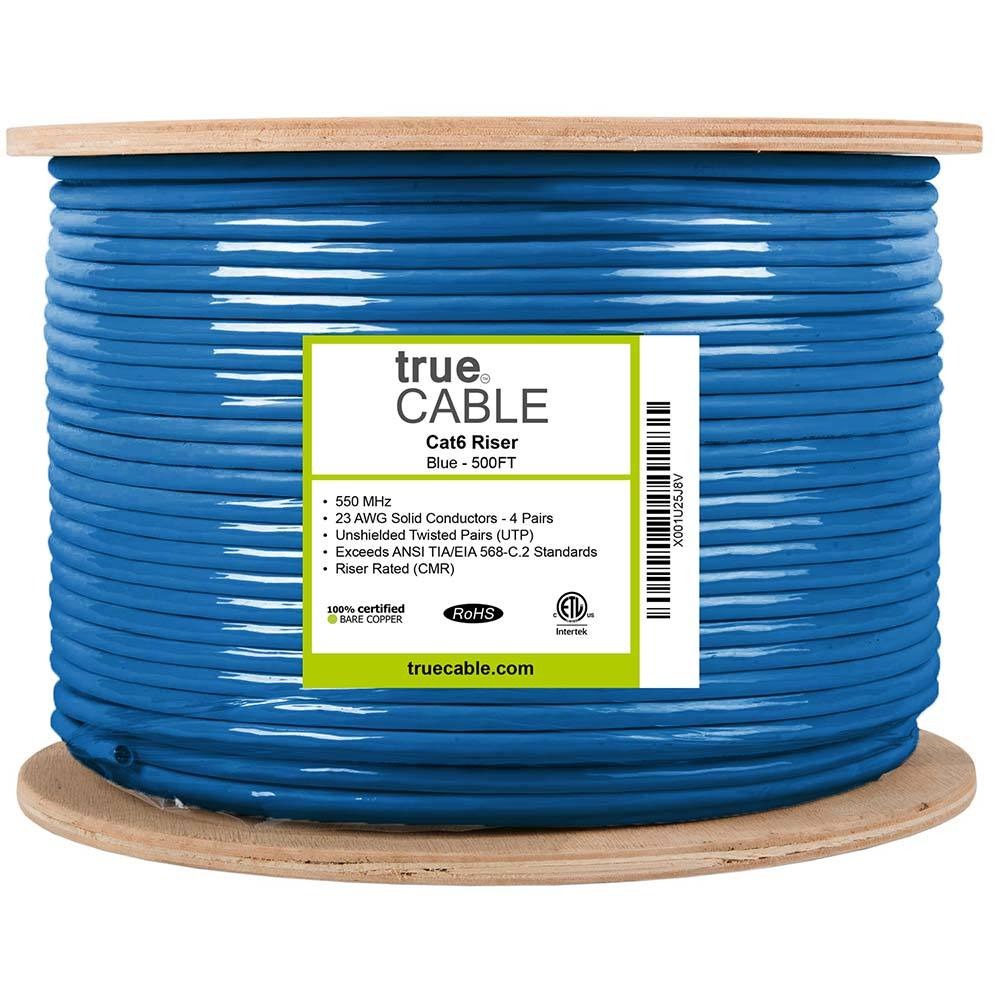

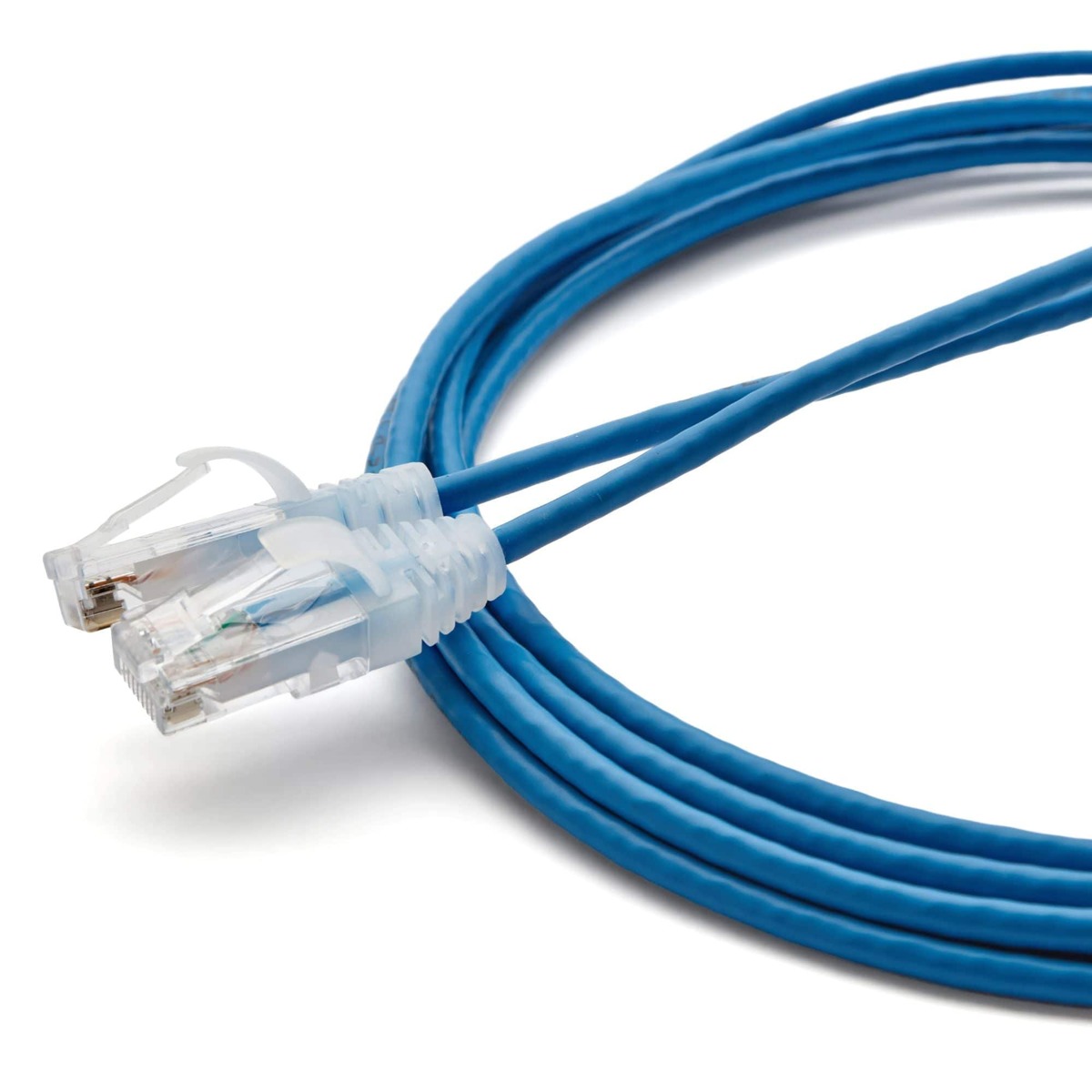
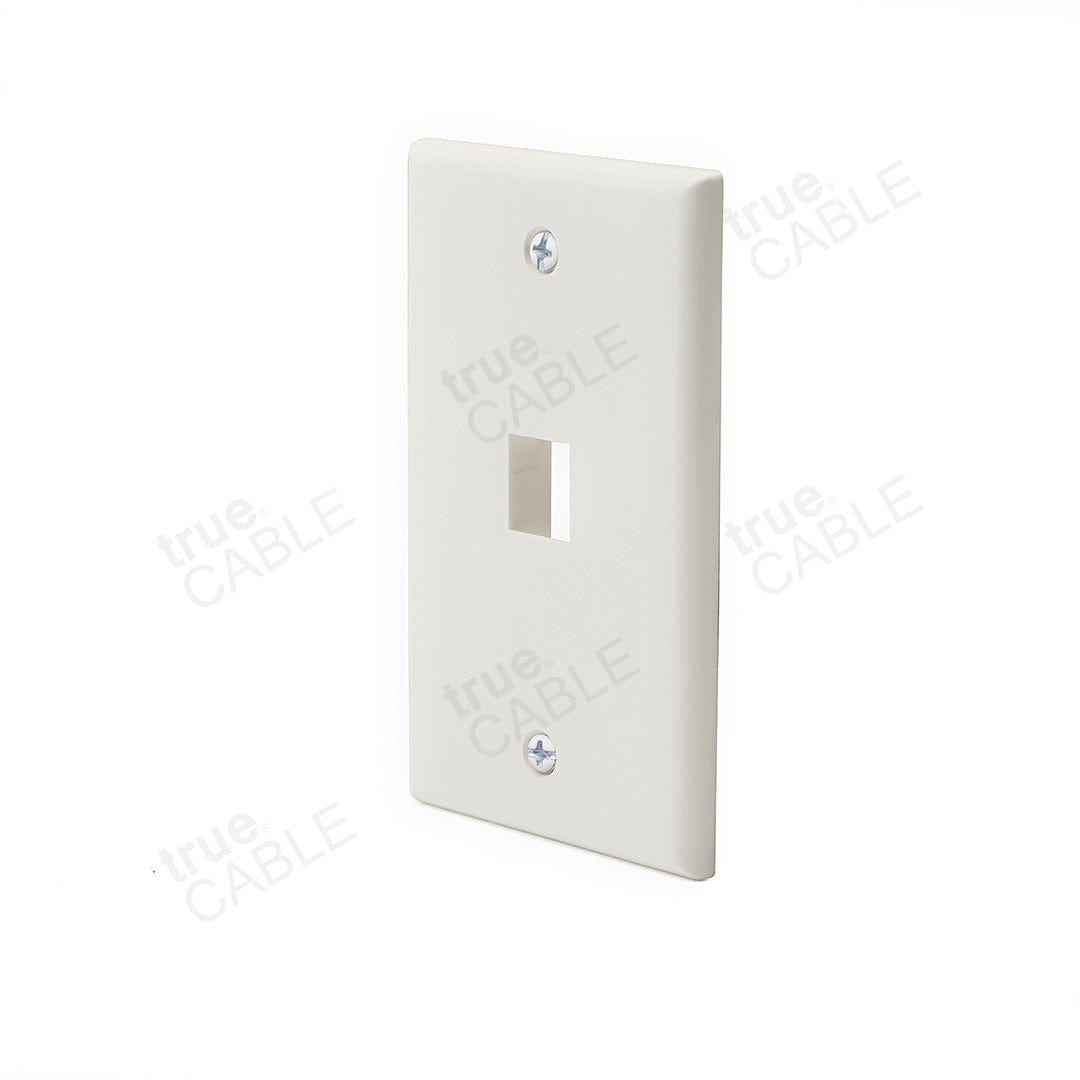
One labeled permanent link per outlet with agreed certification. Preferred Hubbell work-area jacks are matched to the approved rapid termination tool; Panduit rack panels use compatible rack terminations and cable management. Mini-Com panels do not imply universal Hubbell jack fit. Include matching faceplates, rated solid-copper cable and patch cords; routes and exact parts are surveyed.
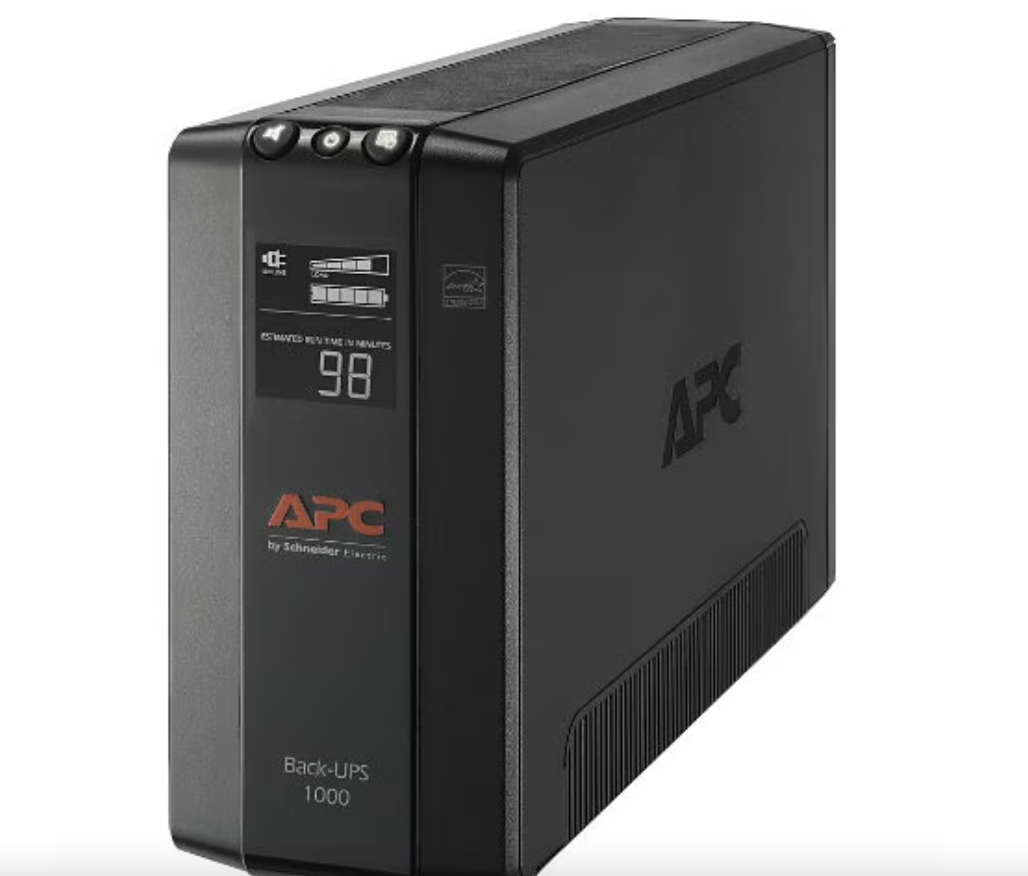
Load and expected runtime are verified for the connected equipment. This does not establish a whole-site outage or server-runtime guarantee.
Equipment specifications & configuration →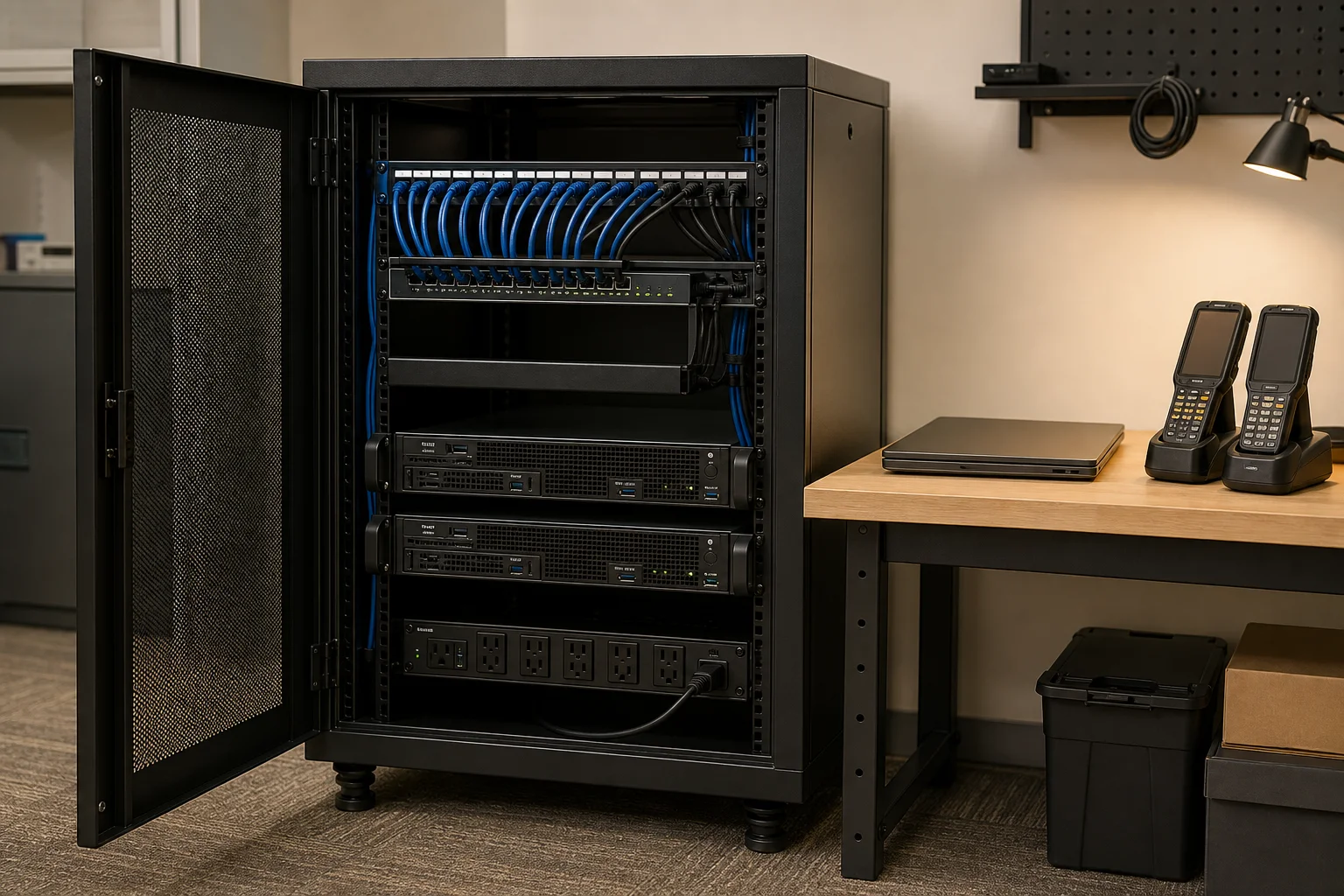
Configure approved extensions, incoming call routing, voicemail, and a defined conference-room calling workflow. Provider accounts and emergency-location settings are coordinated with the customer.
Use cases are implemented against the agreed application, device configuration, and operating rules.
Map the listed endpoints to staff and approved call routing, with extension and administrator records handed over.
Verify speech, dialing, mute, and incoming/outgoing calls from the agreed conference space.
Coordinate the supported hardware and firmware, account provisioning, number-port plan, and test calls before the move.
Keep the starting scope or ask us to adapt the complete implementation. Selections are carried into your request and qualified together before a written quote.
Hubbell jacks are matched to the approved rapid termination tool. Panduit panels use their specified compatible terminations; Mini-Com panels do not imply universal Hubbell jack fit. Existing links and new materials are surveyed before reuse or substitution.
Survey the site and agree on exact models, quantities, interfaces, licenses, mounting, access, and the workflow acceptance criteria.
Prepare devices and software, document identifiers, install the scoped infrastructure, and connect the named systems.
Test representative inbound/outbound calls, transfer, voicemail, conference-room audio, network prioritization, and approved emergency-location configuration.
Demonstrate the workflow, hand over access and documentation, record remaining decisions, and confirm support ownership.
Tell us about your locations, current systems, staff, and daily workflow. We will map the equipment and work to a reviewable scope.
Discuss Office Voice & Network ↗Compare all packages →