
From the network to the way your business works
The infrastructure, devices, and software, designed together.A grocery inventory system. Restaurant ordering connected to kitchen screens. Servers, handhelds, internal software, and reporting built around your team. We connect those business workflows to the cabling, Wi-Fi, security, and ongoing support that keep them working.
What could your business do with the right system?
A scanner that updates inventory. An order that reaches the kitchen. A dashboard that helps you plan tomorrow. We connect the equipment, network, and software around the way your business works.

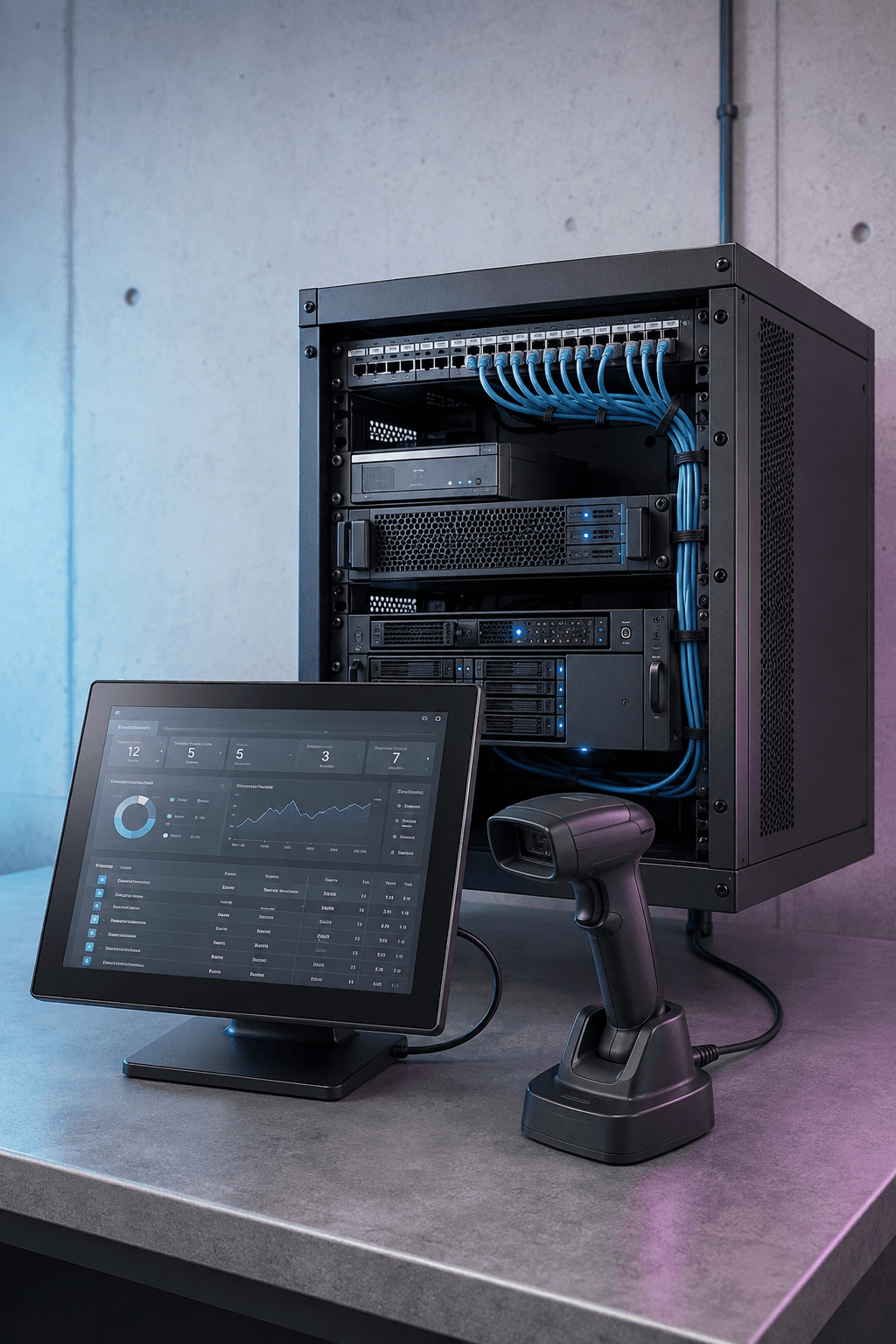
Lenovo servers, Zebra handhelds, and custom inventory software can bring receiving, stock counts, sales data, and reordering into one workflow.
Explore the inventory exampleFrom the first order to tomorrow’s prep list ↗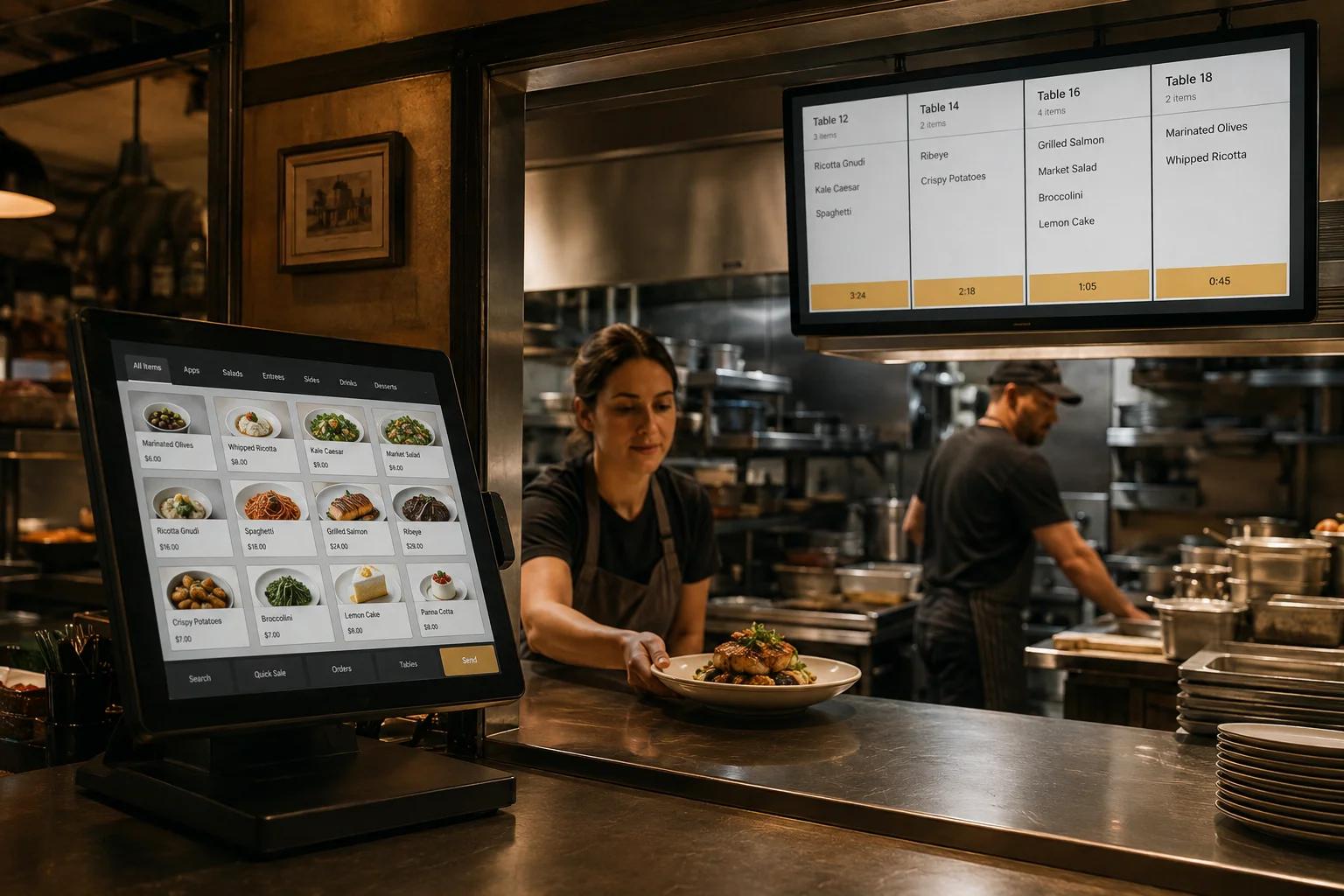
Connect POS, ordering, kitchen screens, and reporting. Use sales history to forecast demand and help plan purchasing and staffing.
Explore the restaurant exampleSERVICE / GLASS TECH SOFTWARE
Run a dinner service. Before we ever talk.
Send a mock order to the cold kitchen, grill, sauté, and pastry screens. Fire each course and bring the plates together at expo. Try it yourself, or watch a guided walkthrough.
Try the restaurant demo →No account. No sales call. Sample data only.
Start with what is actually going wrong
Each guide explains what the service does, when it fits, what needs to be surveyed, which design choices matter, and how a complete project should be tested and documented.
Final requirements still depend on the site, adopted code, manufacturer instructions, authority having jurisdiction, responsible design professionals, and the signed project scope.
Find the work you need done
Use everyday language. Try “bad Wi-Fi,” “network closet,” “door access,” or the name of the service you need.
Copper or fiber links, outlets, patch panels, pathways, and labels for computers, Wi-Fi, cameras, phones, and building systems.
View service ↗Physical infrastructure / Cable tray, conduit, sleeves, and supportsPathways and containmentTrays, conduit, sleeves, raceway, and supports carry communications cable while accounting for fill, bend radius, separation, firestopping, and access.
View service ↗Physical infrastructure / Network rooms, racks, power, and groundingTelecommunications roomsRacks, patching, network equipment, power, bonding, cooling, pathways, labels, and access, brought into one maintainable space.
View service ↗Physical infrastructure / Cabling moves, additions, audits, and repairCabling changes, audits, and repairMoves, additions, repairs, tracing, testing, abandoned-cable review, network-room cleanup, and records updates for existing cabling.
View service ↗Physical infrastructure / Fiber between buildings and remote assetsCampus and outdoor fiberRoute and utility discovery, civil coordination, cable construction, splicing, testing, strand records, and restoration planning, combined into one build.
View service ↗Physical infrastructure / Fiber backbones inside the buildingInside-plant fiberSelected fiber types, connectors, polarity, panels, pathways, and terminations carry high-capacity links through the building.
View service ↗Physical infrastructure / Fusion splicing, loss testing, and OTDRFiber splicing and testingFusion splicing creates permanent strand connections. OLTS measures end-to-end insertion loss, and OTDR testing adds event-location detail when the route or acceptance plan calls for it.
View service ↗Physical infrastructure / Carrier handoffs and customer-owned fiberDark fiber and carrier handoffsDark fiber provides a passive optical path; carrier demarcation pins down the port, strand, inside extension, optics, power, testing, and repair responsibilities on each side.
View service ↗Data center / Racks, pathways, power, and cooling coordinationData-center white spaceRacks, pathways, cabling, labels, access, and technology turnover, coordinated with the electrical, cooling, grounding, structural, fire, and security work owned by the responsible trades.
View service ↗Physical infrastructure
Copper cabling, fiber backbones, pathways, racks, telecom rooms, and carrier handoffs form the physical layer everything else rides on. We plan and build it for commercial sites and campuses, with protected routes, labeled terminations, and tested links, so each port can trace back to a record that matches what is actually in the wall.
At closeout, you should have labeled endpoints, test results, as-built routes, and room records technicians can use.Data center
A data center is only as dependable as its documentation. We coordinate white-space readiness, high-density copper and fiber, migrations, decommissioning, and DCIM data around your facility and operations teams, so every cabinet position, port, and asset stays accounted for from first delivery through the last piece of retired equipment.
At closeout, cabinet positions, ports, assets, tests, and open dependencies should agree with the approved plan.Networks and wireless
Core routing and switching, business and guest Wi-Fi, in-building radio, private cellular, and outdoor wireless links are designed and deployed from actual site and device requirements. Users, devices, sites, and applications get the coverage they need, and each service gets the separation it requires, verified in the field rather than assumed on paper.
At closeout, coverage, traffic paths, configuration, test results, and support responsibilities should be recorded.Physical security
Cameras, access control, intrusion alarms, intercoms, visitor management, and vehicle entry are planned around how your site actually operates. Systems control entry, detect the events you define, and give staff usable video and event records, with supported integrations connecting the pieces instead of leaving each one on its own island.
At closeout, each view, door, zone, credential rule, event path, and administrator role should be tested and handed over.Operational systems
Digital signage, AV, point of sale, inventory, asset tracking, automation, environmental monitoring, and OT networks are the systems customers and employees touch every day. We plan each as a complete working system, not a pile of parts, so the screen displays, the order prints, the scan lands, and someone gets alerted when conditions drift.
At closeout, users should have tested normal and failure paths, current configuration records, and clear instructions for operating and recovering the system.Managed operations
Installation is a moment; operation is the rest of the story. We connect monitoring, break-fix triage, field dispatch, lifecycle planning, periodic reviews, and vendor coordination under contract-specific coverage and responsibilities, so problems surface early, repairs get verified, and the next change arrives as a plan instead of a surprise.
You should know what is covered, who is contacted, what evidence is kept, and which risks or replacements need action next.Tell us what you need to build, fix, or improve.
Use the calculator for common cabling, Wi-Fi, camera, and controlled-door projects. For other systems, describe the site and the problem so we can identify the right next step.