
Visitor and contractor entry
From the front door to signed out, accounted forPre-registration, arrival, identity checks, host approval, badges, temporary credentials, escort rules, emergency accounting, checkout, accessibility, and record retention, connected into one process.
What Visitor and contractor entry includes
Visitor and contractor entry spans people, policy, space, and technology. Kiosks, intercoms, badge printers, cameras, access credentials, notifications, and watchlists support the process but do not decide who may enter or what data should be collected.
The owner defines identity evidence, consent or notice, host responsibility, escort needs, retention, emergency accounting, accessibility, and exceptions. Contractor onboarding may also involve safety training or work authorization outside the visitor platform.
Question to answer before designWhat must be approved before entry, what temporary access is needed, and how will expiration or departure be confirmed?
This service may fit when:
- Paper logs are incomplete, exposed, or difficult to search
- Hosts miss arrivals or temporary credentials outlive the visit
- Contractors move among sites without consistent approval or checkout
- Lobby congestion or inaccessible check-in blocks legitimate visitors
What the system includes
A complete scope covers each part below and the connections between them.
Arrival
Pre-registration, signage, kiosk, desk, intercom, accessible alternative
Decision
Identity evidence, host approval, policy, watchlist or safety requirement
Temporary access
Badge, credential, zones, schedule, escort, expiration
Record
Arrival, host, access, checkout, emergency roster, retention and deletion
How site information becomes a tested project
A complete project record connects the conditions found on site, the design decisions made from them, and the tests and closeout documents delivered afterward.
What we confirm before design
- Visitor and contractor types, entry points, hosts, and operating hours
- Identity, approval, escort, safety, denial, and exception policies
- Badge, credential, accessible check-in, and emergency-accounting needs
What those findings determine
- Check-in: Preserve a staffed and accessible exception path.
- Host approval: Define timeout, delegation, denial, and no-response behavior.
- Access: Issue only what is needed and prove automatic expiration.
What you should receive
- Visitor-type and decision matrix
- Arrival-to-departure workflow and accessible fallback
- Temporary credential, badge, host, and retention configuration
The exact inputs, decisions, and acceptance records depend on the site and signed scope.
Project stagesSurvey through closeoutView details
How the work moves from survey to closeout
Each stage should produce the records and test results needed before the next stage begins.
- 01
Map people and policy
Document visitor types, hosts, entry points, identity checks, approvals, restricted areas, escorts, accessibility, emergency accounting, data, and retention.
EvidenceVisitor-type matrix, journey map, policy decisions, data inventory, and exception list. - 02
Design the entry path
Define pre-registration, arrival, accessible alternatives, host notification, badge and credential issuance, expiration, denial, checkout, and offline fallback.
EvidenceFuture-state workflow, screen and station locations, credential rules, integration map, and fallback procedure. - 03
Configure and pilot
Set roles, sites, messages, badge fields, integrations, retention, and temporary-access rules; then pilot with representative visitor types.
EvidenceConfiguration record, pilot transactions, permission tests, printed badge samples, and issue log. - 04
Exercise exceptions
Test walk-ins, pre-registered visits, no host response, denied access, accessibility path, expired credentials, evacuation list, checkout, and unavailable services.
EvidenceScenario results, expired-credential event, emergency roster sample, operator guide, and accepted exceptions.
Design choicesCompare the available approachesView details
How to choose the right approach
The right choice depends on the site, application, operating risk, and acceptance requirements. More equipment does not automatically improve the system.
What we need to know
- Visitor and contractor types, entry points, hosts, and operating hours
- Identity, approval, escort, safety, denial, and exception policies
- Badge, credential, accessible check-in, and emergency-accounting needs
- Access, directory, calendar, messaging, and identity integrations
- Notice, consent, privacy, retention, deletion, and record-owner decisions
What you should receive
- Visitor-type and decision matrix
- Arrival-to-departure workflow and accessible fallback
- Temporary credential, badge, host, and retention configuration
- Scenario-based acceptance and expiration evidence
- Reception, host, security, and administrator operating guides
Equipment examplesSee relevant hardwareView details
Hardware that may be part of the project
These examples are not a final bill of materials. We confirm compatibility, availability, and the exact model after the requirements are clear.
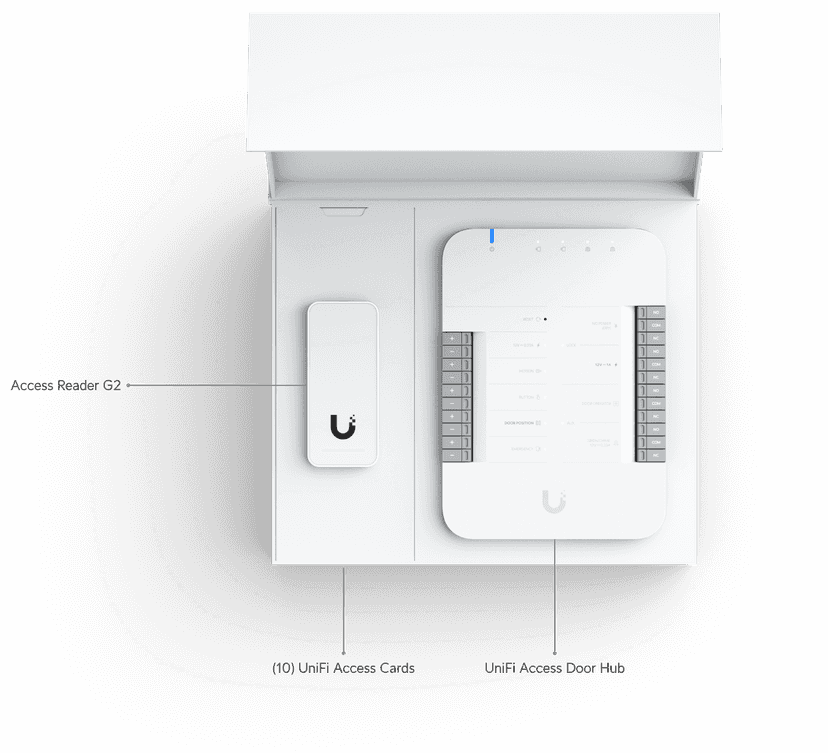
UA-G2-SK
All-in-one door access kit (hub + reader) for one secured entry
Equipment planning price $420 ↗
KISI-CTRL-PRO2
Cloud-connected IP/Wiegand controller, up to 4 doors, PoE/24V, offline fallback
Equipment planning price $975 ↗
KISI-READER-PRO2
BLE/NFC/mobile-wallet reader, card/fob fallback, PoE, offline-capable
Equipment planning price $675 ↗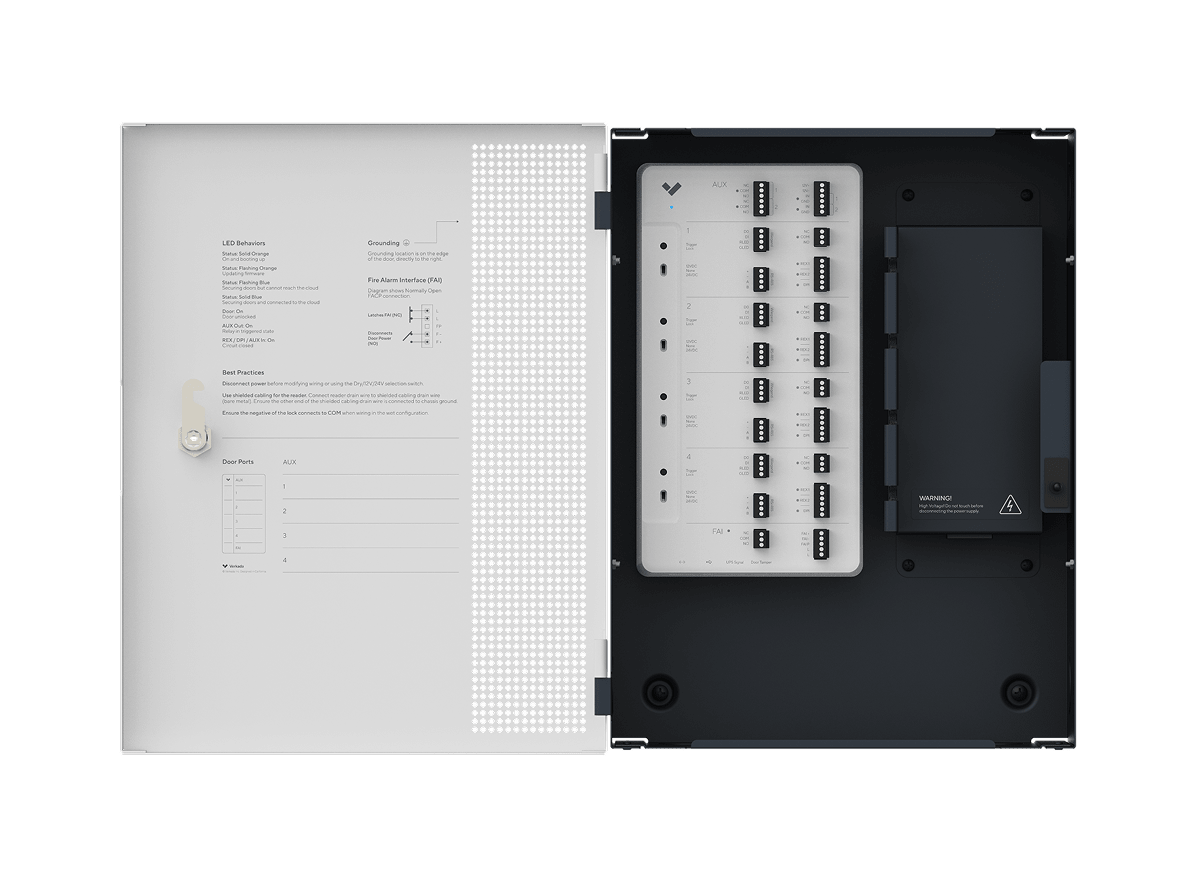
VRK-AC41
Cloud-managed 4-door controller, integrated PSU — AC41 EOL, shown here is AC42 ($1,999 MSRP)
Equipment planning price $1,700 ↗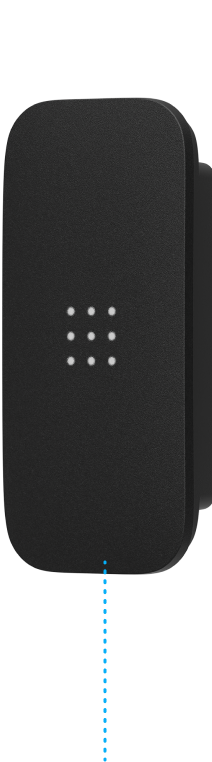
VRK-AD33
Multi-format reader, OSDP/RS-485, IP65/IK08 — AD33 EOL, shown here is AD34 ($349 MSRP)
Equipment planning price $330 ↗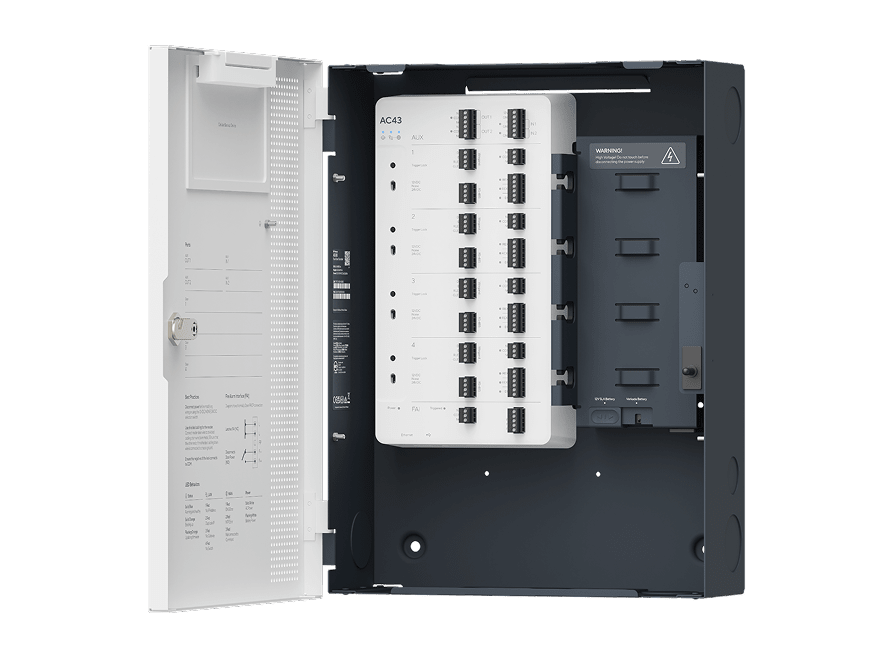
AC43
Next-gen 4-door controller, 2 AUX I/O, fire alarm interface, 10-yr warranty
Equipment planning price $2,900 ↗When this service makes sense
- Facilities with defined hosts, restricted spaces, and temporary access
- Organizations that need repeatable multi-site visitor policy
- Sites coordinating reception, intercom, access, badges, and notifications
- Operations prepared to establish data-minimization and retention rules
What we verify first
- Visitor technology does not establish legal identity or authorization policy by itself
- Identity documents, photos, watchlists, and visit history can create privacy, security, and retention obligations
- Accessible entry and communication need physical and procedural alternatives, not only a touchscreen
- Directory, calendar, messaging, and access integrations depend on supported interfaces and owner-managed permissions
Site contextSee where this work is usedView details
How site conditions change the design
Occupancy, operating hours, user activity, regulation, weather, construction, and access can change the design.


What people usually ask
Should visitors scan an identity document?
Only after the organization defines the purpose, authority, fields needed, storage, access, retention, deletion, breach impact, and an alternative process. More data is not automatically better security.
Can a visitor receive a mobile credential?
Yes when the visitor’s device, identity and approval policy, access platform, connectivity, expiration behavior, and support path are suitable. A physical or assisted alternative may still be required.
How are contractor visits different?
Contractors may need recurring schedules, work orders, safety orientation, sponsor approval, tool or vehicle records, and area-specific access. Those responsibilities should be separated from basic visitor check-in.
Standards and referencesReview the source materialView details
Sources used for this guide
These references inform the guide. The adopted code, engineer of record, authority having jurisdiction, manufacturer instructions, and signed agreement control the project.
Includes controls for physical access authorization, visitor access records, monitoring, identity, audit, and privacy.
Open reference ↗Cybersecurity and Infrastructure Security Agency · reviewed 2026-08-20Commercial Facilities ResourcesLists protective-measures and public-venue credentialing resources for planning visitor and venue security.
Open reference ↗United States Access Board · reviewed 2026-08-20ADA Accessibility StandardsProvides federal accessibility standards covering routes, entrances, doors, gates, communication, and operable parts.
Open reference ↗