
Video surveillance
The right views, recorded, retained, and ready to exportCamera placement, lighting, network capacity, recording, retention, permissions, health alerts, and evidence export, designed around the events each view must capture.
What Video surveillance includes
Video surveillance combines scene objectives, cameras, network transport, recording, time synchronization, retention, user permissions, and evidence export. Resolution alone does not determine usable detail; distance, field of view, motion, lighting, compression, and mounting angle all matter.
The design should also define who may view live or recorded video, how long recordings are retained, what happens when storage or a camera fails, and how exports are documented. Privacy and local notice or recording rules remain the owner’s responsibility and should be reviewed with counsel where needed.
Question to answer before designWhat must each camera let an authorized reviewer observe, recognize, or identify, and how long must the recording remain available?
This service may fit when:
- Blind spots or images that lack incident detail
- Retention that is unknown or shorter than the investigation cycle
- Slow, inconsistent, or undocumented clip retrieval
- A move from isolated recorders to a managed multi-site platform
What the system includes
A complete scope covers each part below and the connections between them.
Scene
Purpose, subject size, movement, light, weather, privacy boundary
Edge
Lens, sensor, mount, enclosure, illumination, local analytics
Transport
PoE budget, switching, segmentation, uplinks, time source
Record and review
Storage, retention, permissions, search, export, health monitoring
How site information becomes a tested project
A complete project record connects the conditions found on site, the design decisions made from them, and the tests and closeout documents delivered afterward.
What we confirm before design
- View objective and incident type for every location
- Day, night, glare, backlight, weather, and motion conditions
- Retention target and expected review frequency
What those findings determine
- Design basis: Name the decision each view must support before choosing hardware.
- Recording: Base the profile on event risk, bandwidth, and retention, not a default preset.
- Management: Choose by operator model, connectivity, policy, and lifecycle cost.
What you should receive
- Annotated coverage and camera schedule
- Bandwidth, PoE, and storage assumptions
- Named device and recording configuration record
The exact inputs, decisions, and acceptance records depend on the site and signed scope.
Project stagesSurvey through closeoutView details
How the work moves from survey to closeout
Each stage should produce the records and test results needed before the next stage begins.
- 01
Define the evidence question
Walk each scene with the owner, identify the event and subject detail required, and record lighting, privacy, retention, and operator needs.
EvidenceAnnotated view-objective schedule with scene photos, risk notes, and retention assumptions. - 02
Engineer the recording path
Select lens and placement, estimate bitrate and storage, map PoE and uplinks, and define recording, user, time, and alert settings.
EvidenceCamera schedule, coverage plan, storage calculation, network dependencies, and permission matrix. - 03
Install and configure
Mount, focus, label, aim, update, name, and configure recording profiles without blocking egress, maintenance access, or required sightlines.
EvidenceDevice inventory, labeled endpoints, configuration record, and installation photos. - 04
Prove retrieval
Validate day and night views, motion, time alignment, retention behavior, health alerts, user access, and export on the owner’s real workflow.
EvidenceAccepted sample clips and stills, export test, retention readout, administrator handoff, and exception list.
Design choicesCompare the available approachesView details
How to choose the right approach
The right choice depends on the site, application, operating risk, and acceptance requirements. More equipment does not automatically improve the system.
What we need to know
- View objective and incident type for every location
- Day, night, glare, backlight, weather, and motion conditions
- Retention target and expected review frequency
- Authorized users, locations, and export procedure
- Existing pathways, PoE capacity, uplinks, storage, and time source
What you should receive
- Annotated coverage and camera schedule
- Bandwidth, PoE, and storage assumptions
- Named device and recording configuration record
- Day/night acceptance samples and export test
- Administrator guide, asset list, and unresolved exceptions
Equipment examplesSee relevant hardwareView details
Hardware that may be part of the project
These examples are not a final bill of materials. We confirm compatibility, availability, and the exact model after the requirements are clear.
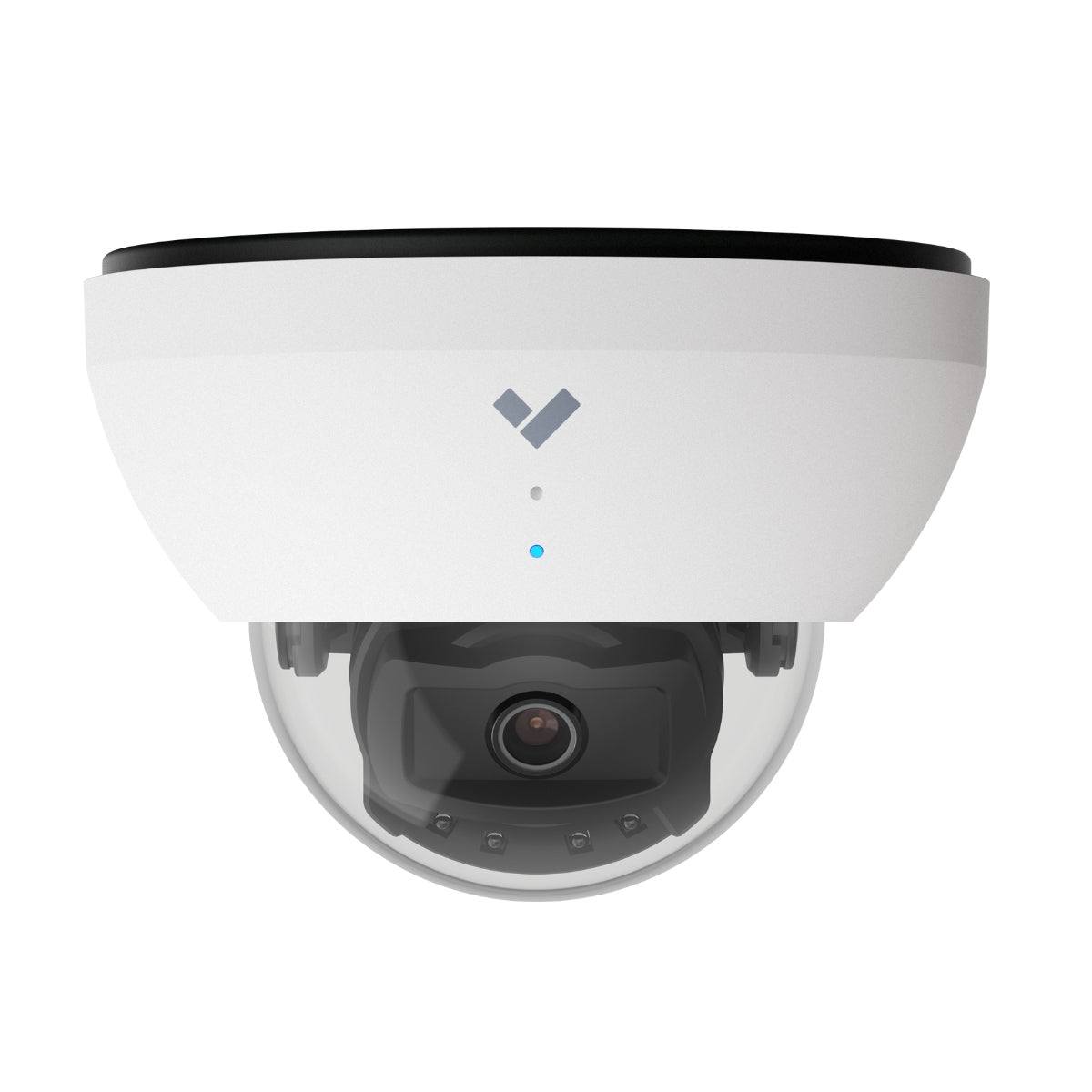
CD42-512E
Outdoor-rated cloud-managed dome with on-device analytics and 512GB edge storage
Equipment planning price $1,525 ↗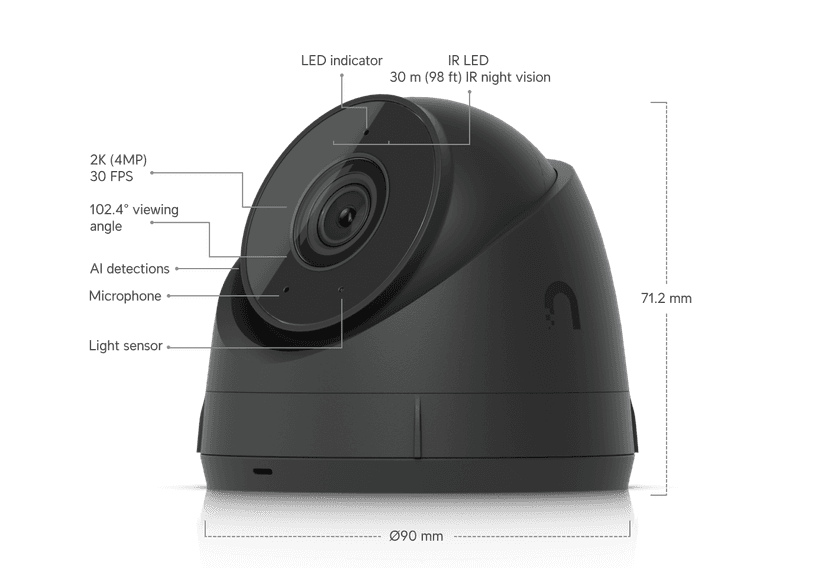
UVC-G5-Turret-Ultra
Compact weatherproof 2K PoE camera, long-range night vision
Equipment planning price $190 ↗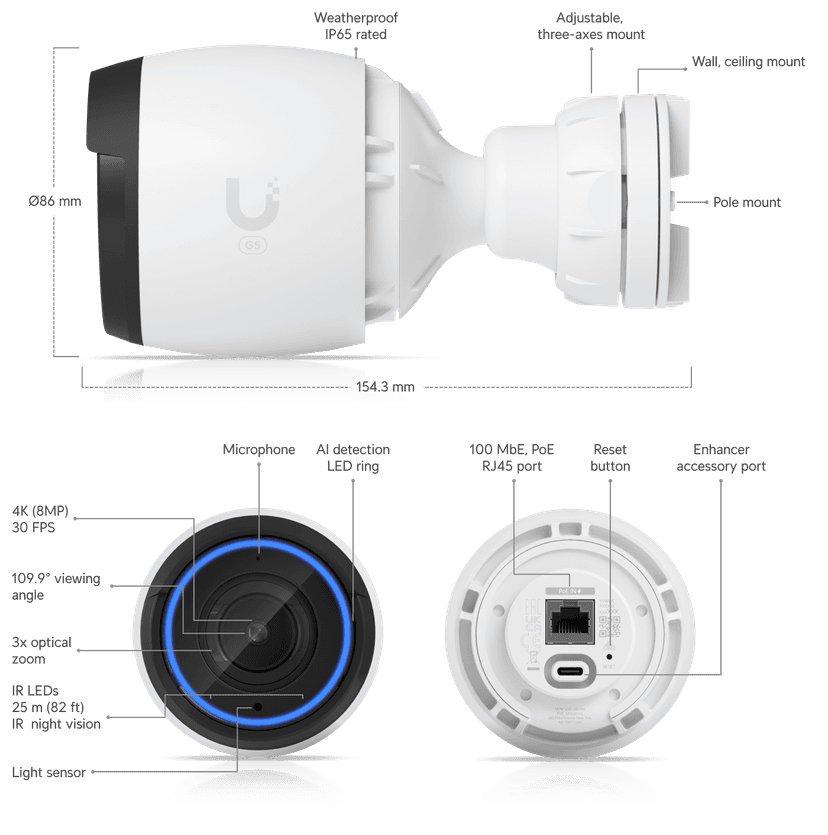
UVC-G5-Pro
Indoor/outdoor 4K PoE camera, long-range IR, 3x optical zoom
Equipment planning price $650 ↗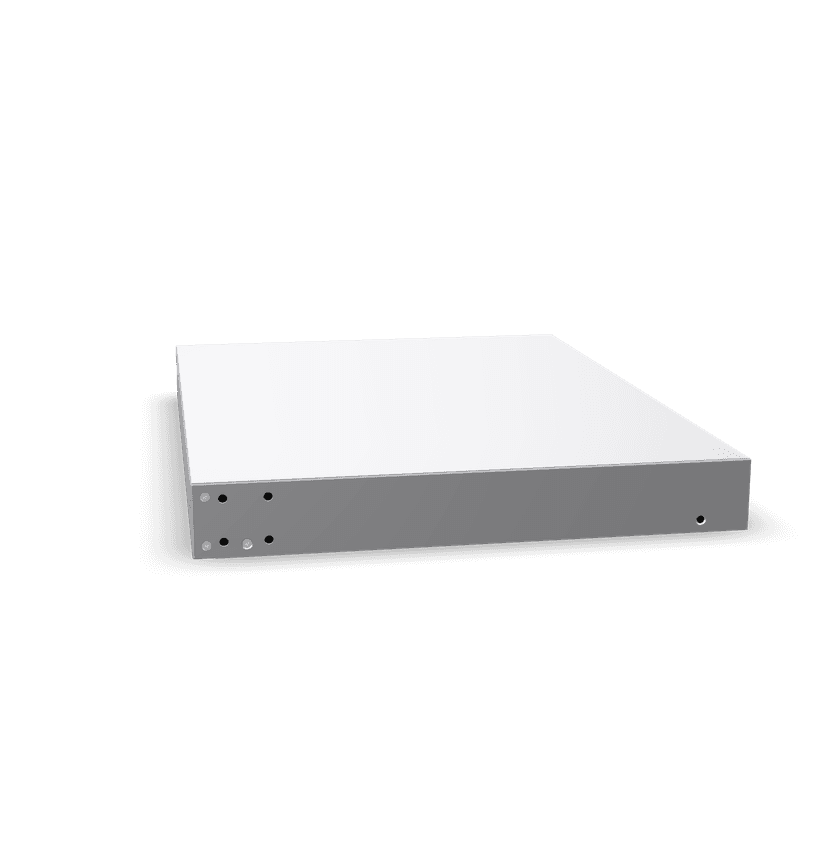
UNVR
4-bay NVR, up to 30 days for 18 4K cameras (or 60 Full HD)
Equipment planning price $440 ↗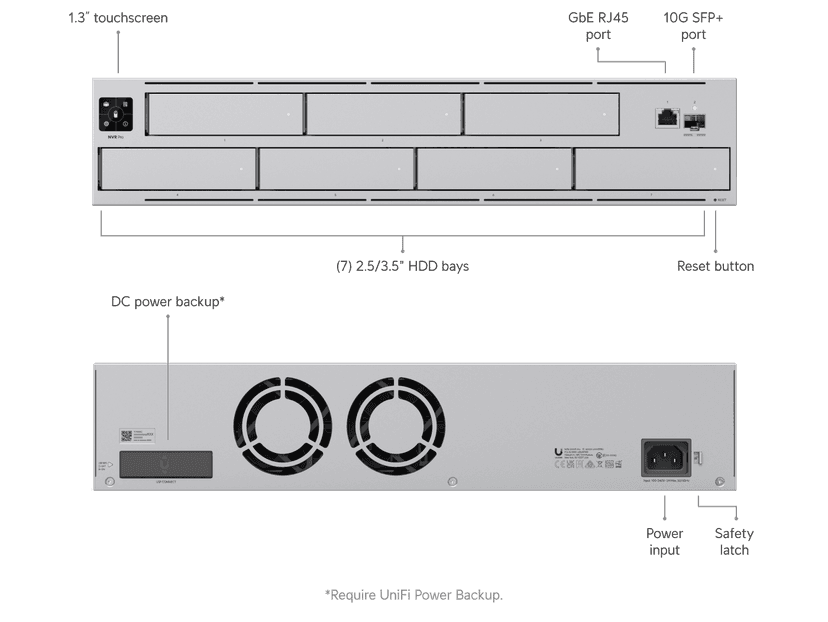
UNVR-Pro
2U 7-bay NVR, up to 60 days for 24 4K cameras (or 70 Full HD)
Equipment planning price $800 ↗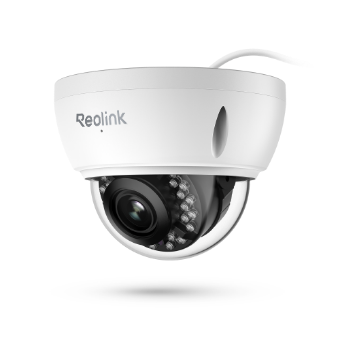
RLC-842A
4K/8MP PoE dome, 5x optical zoom, infrared night vision, IP66, IK10 vandal-proof
Equipment planning price $140 ↗When this service makes sense
- Facilities with named security or operational view objectives
- Organizations that need role-based viewing and export access
- Sites where lighting, weather, motion, or long distances complicate imaging
- Multi-site teams that need consistent naming and health visibility
What we verify first
- Cameras do not guarantee prevention, identification, or a specific investigative result
- Audio recording, facial recognition, license-plate use, and retention can trigger jurisdiction-specific obligations
- Image usability changes with lighting, distance, motion, obstructions, and maintenance
- Cloud features depend on licensing and available connectivity; local recording depends on protected on-site equipment
Site contextSee where this work is usedView details
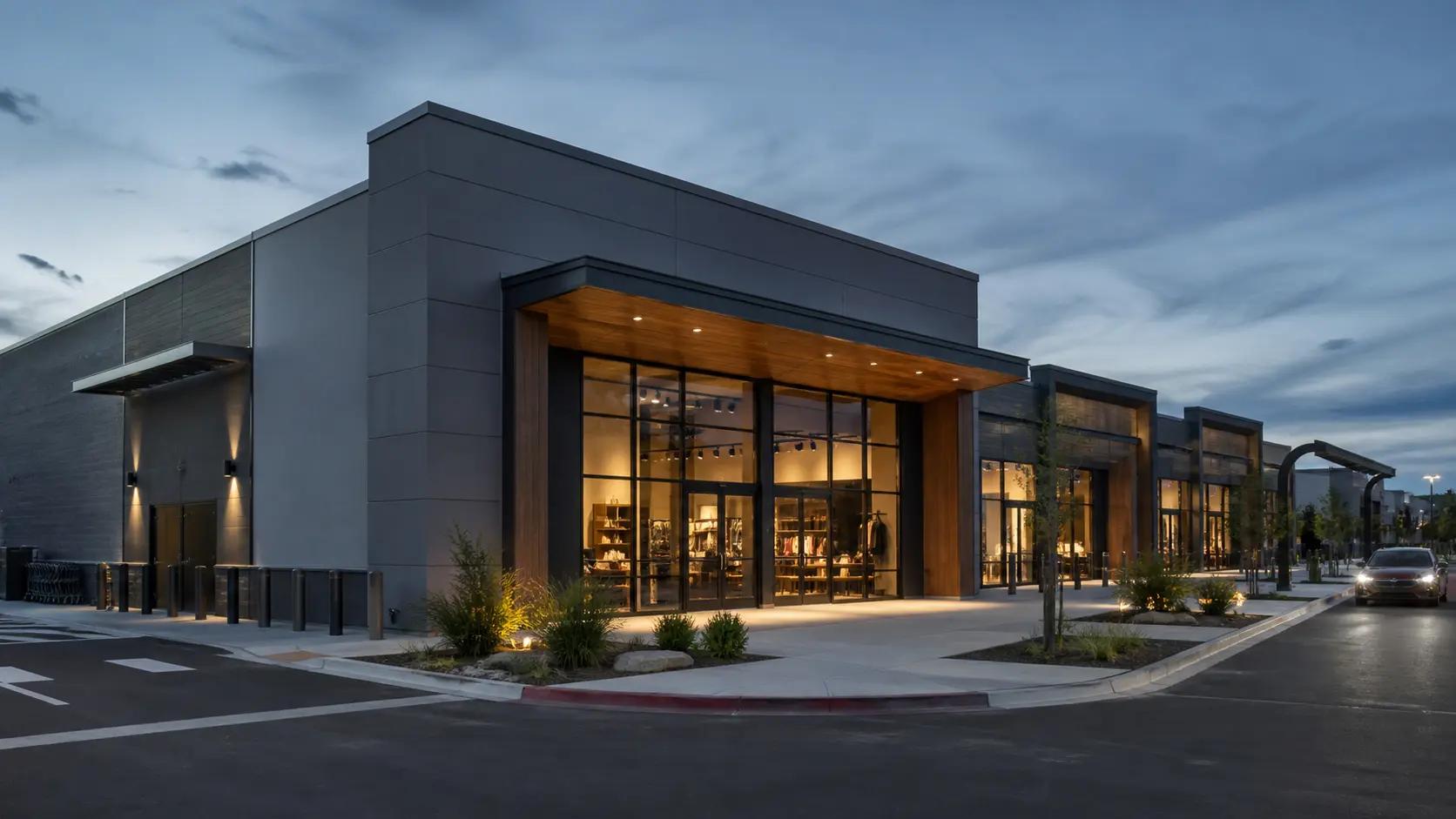
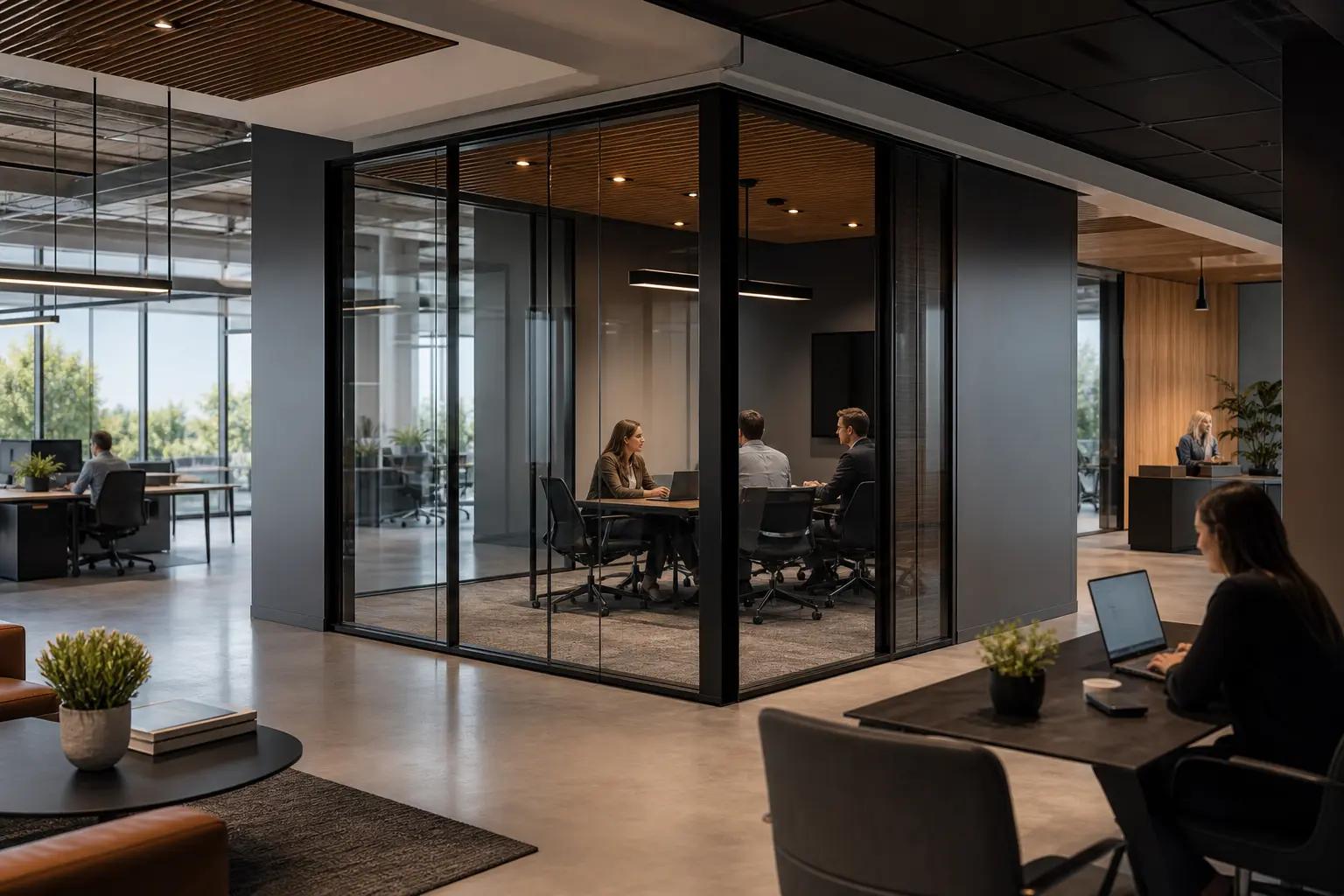
How site conditions change the design
Occupancy, operating hours, user activity, regulation, weather, construction, and access can change the design.

What people usually ask
How many cameras does a site need?
There is no reliable square-foot rule. Count required views after documenting the event, subject detail, distance, lighting, obstructions, and overlap needed at each location.
Does 4K guarantee identifiable footage?
No. Pixel count is only one input; lens selection, field of view, distance, motion, compression, lighting, mounting angle, and focus determine useful scene detail.
How is retention calculated?
From camera count, resolution, frame rate, compression, scene activity, recording schedule, storage overhead, and resilience. The calculation should be documented and then verified in the running system.
Standards and referencesReview the source materialView details
Sources used for this guide
These references inform the guide. The adopted code, engineer of record, authority having jurisdiction, manufacturer instructions, and signed agreement control the project.
Explains ONVIF profiles used to evaluate interoperable video, recording, metadata, and access capabilities.
Open reference ↗Security Industry Association · reviewed 2026-08-20Data Privacy Code of Practice: Video SurveillanceFrames privacy, security, governance, retention, and transparency considerations for video systems.
Open reference ↗National Institute of Standards and Technology · reviewed 2026-08-20SP 800-53 Rev. 5: Security and Privacy ControlsProvides control families for physical access monitoring, audit, configuration, access, and privacy planning.
Open reference ↗