
AV and collaboration systems
Meetings that start when the meeting startsDisplays, cameras, microphones, speakers, acoustics, controls, meeting platforms, accounts, network, power, lighting, furniture, and support, coordinated as one room.
What AV and collaboration systems includes
AV and collaboration scope can include displays or projection, cameras, microphones, loudspeakers, digital signal processing, switching, room compute, user devices, control, scheduling, mounts, furniture coordination, acoustics, lighting, network, and remote management.
The room should be designed from its use cases, such as meeting, training, presentation, hybrid instruction, divisible space, public meeting, or production. Platform certification, licensing, account ownership, accessibility, and support model are part of the system.
Question to answer before designWhat must people in the room and online be able to see, hear, share, and control from the normal seating positions?
This service may fit when:
- Remote participants cannot hear questions or see the active speaker or content
- Every meeting begins with adapters, remotes, or input troubleshooting
- Room accounts, licenses, firmware, and support ownership are unclear
- A remodel changes seating, lighting, acoustics, furniture, or room purpose
What the system includes
A complete scope covers each part below and the connections between them.
People and room
Use, seating, accessibility, sightlines, acoustics, lighting, furniture
Capture and render
Cameras, microphones, displays, projection, speakers
Process and control
Room compute, DSP, switching, presets, touch or button interface
Platform and operations
Meeting service, accounts, licensing, network, monitoring, support
How site information becomes a tested project
A complete project record connects the conditions found on site, the design decisions made from them, and the tests and closeout documents delivered afterward.
What we confirm before design
- Room use cases, participant count, seating, platforms, and supported user devices
- Speech, content, camera framing, sightlines, accessibility, acoustics, and lighting
- Display or projection surface, mounts, furniture, pathways, power, and rack location
What those findings determine
- Room compute: Choose from supported platforms, guest workflow, management, and room consistency.
- Audio: Room size, seating, acoustics, reinforcement, and remote speech drive the design.
- Video: Select by participant positions and remote-view requirements, not feature count.
What you should receive
- Use-case and user-journey matrix
- Signal flow, elevations, reflected device plan, and rack schedule
- Control narrative, platform/account model, and configuration backups
The exact inputs, decisions, and acceptance records depend on the site and signed scope.
Project stagesSurvey through closeoutView details
How the work moves from survey to closeout
Each stage should produce the records and test results needed before the next stage begins.
- 01
Observe the room and meeting
Document room use, seating, participant count, platforms, content, camera framing, speech, acoustics, light, accessibility, furniture, and support incidents.
EvidenceUse-case matrix, room survey, seating and sightline notes, platform list, and representative failure stories. - 02
Engineer the experience
Size and place displays, cameras, microphones and speakers; select compute, switching and control; coordinate acoustics, lighting, network, power, mounts, and furniture.
EvidenceSignal-flow diagram, device and mount plan, sightline and pickup rationale, rack/power/network schedule, and control narrative. - 03
Build and commission
Install, label, update, configure, tune audio, frame cameras, program controls, establish accounts and monitoring, and create user presets.
EvidenceLabeled system, configuration backups, audio and camera settings, account-owner record, and installation photos. - 04
Run real meetings
Test start, join, share, camera, microphone, content audio, remote speech, local reinforcement where used, common failure recovery, and user handoff.
EvidenceScenario acceptance results, representative room measurements or observations, remote-participant confirmation, quick-start guide, and punch list.
Design choicesCompare the available approachesView details
How to choose the right approach
The right choice depends on the site, application, operating risk, and acceptance requirements. More equipment does not automatically improve the system.
What we need to know
- Room use cases, participant count, seating, platforms, and supported user devices
- Speech, content, camera framing, sightlines, accessibility, acoustics, and lighting
- Display or projection surface, mounts, furniture, pathways, power, and rack location
- Network, account, licensing, calendar, security, and remote-management requirements
- Support owner, help path, operating hours, spares, and refresh expectations
What you should receive
- Use-case and user-journey matrix
- Signal flow, elevations, reflected device plan, and rack schedule
- Control narrative, platform/account model, and configuration backups
- Scenario-based performance and recovery acceptance evidence
- Quick-start guide, administrator documentation, asset list, and support handoff
When this service makes sense
- Conference, training, classroom, board, council, worship, and presentation rooms
- Organizations standardizing a repeatable room experience
- Spaces with hybrid participants or multiple content sources
- Teams that can define supported platforms and administrator ownership
What we verify first
- Acoustic treatment, lighting, shades, furniture, structure, and electrical work may require separate disciplines
- Platform certification and supported features can vary by model, software version, tenant configuration, and license
- Wireless sharing and user devices introduce compatibility, security, and support variables
- A successful bench test does not prove camera framing, speech pickup, sightlines, or usability in the finished room
Site contextSee where this work is usedView details
How site conditions change the design
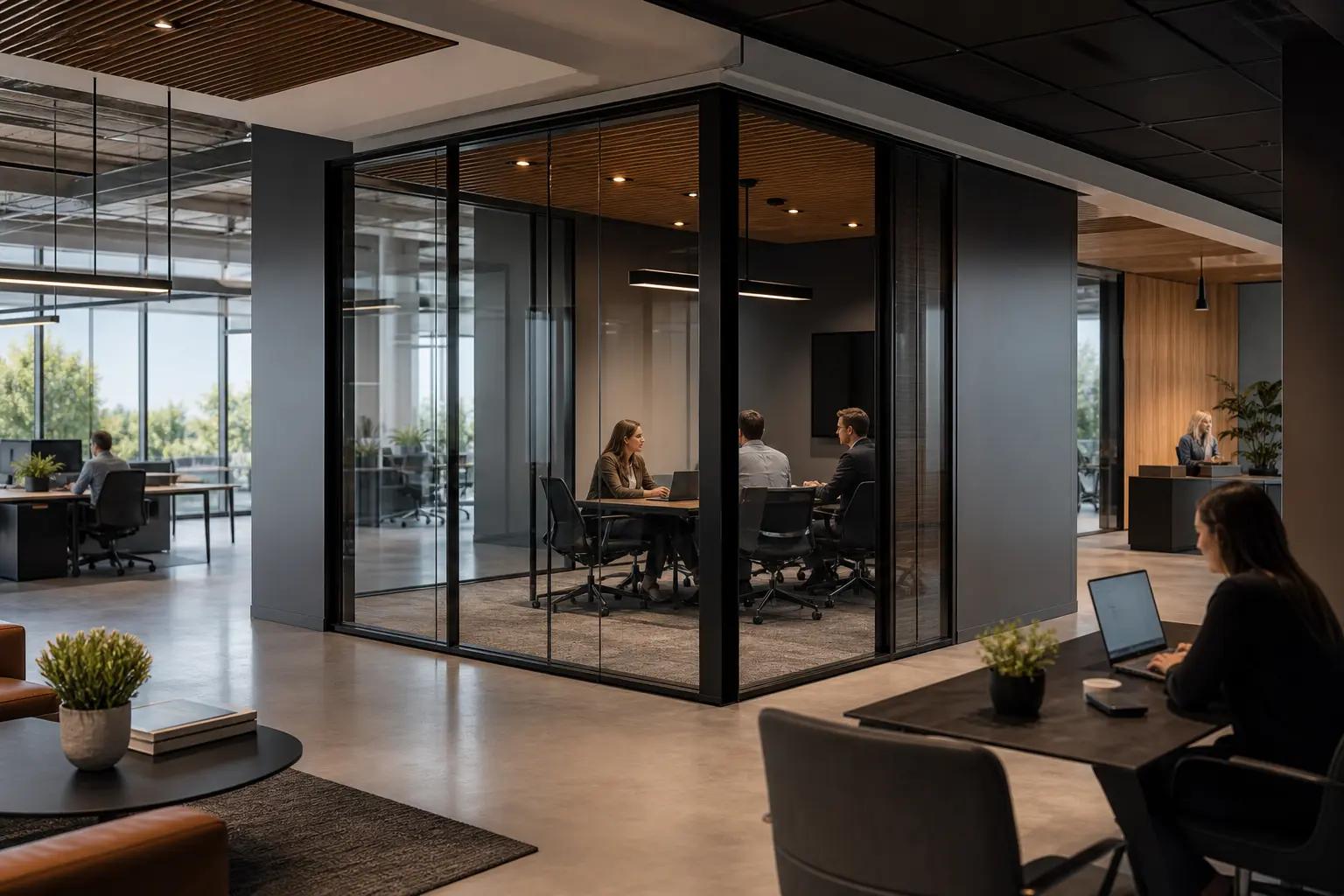
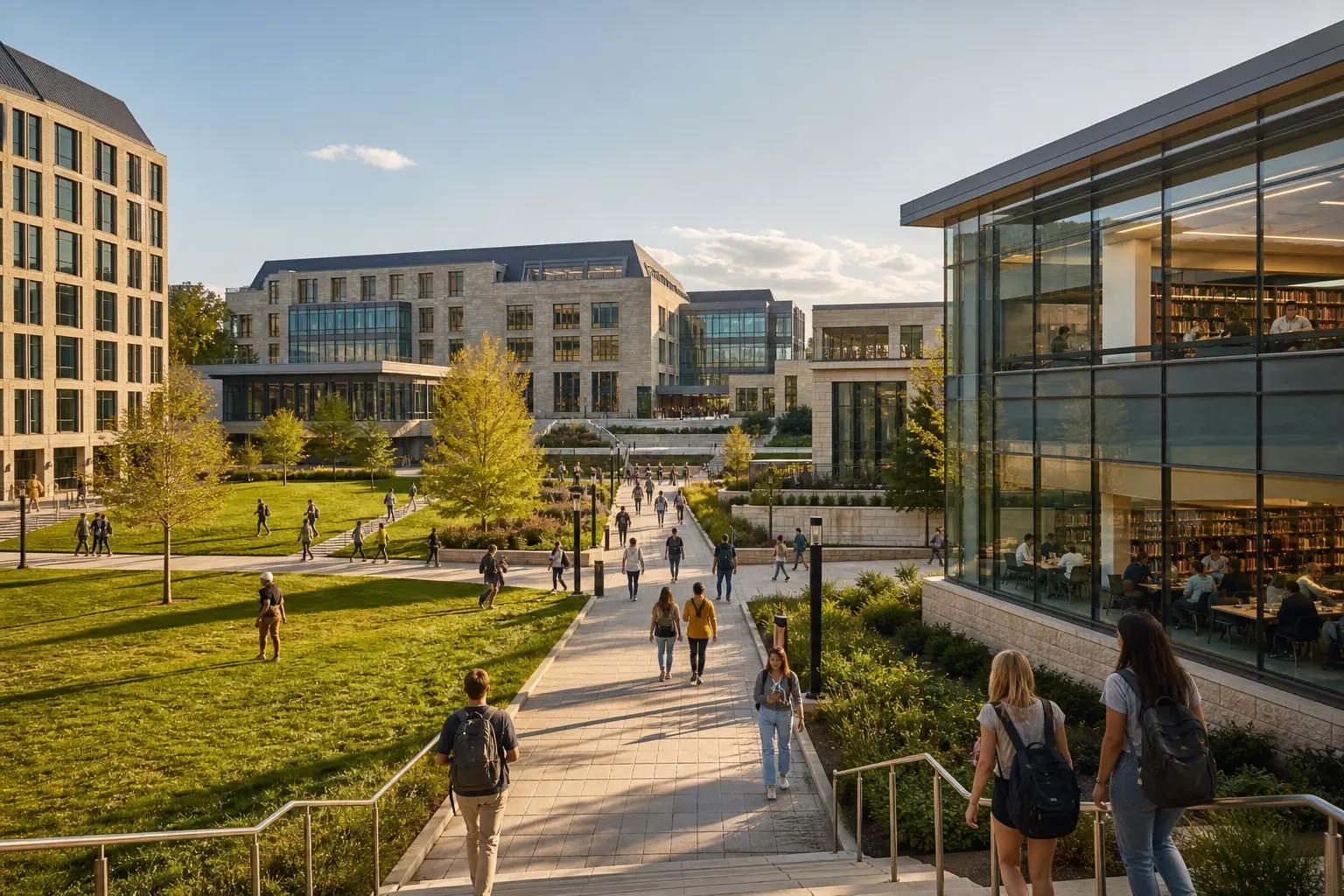
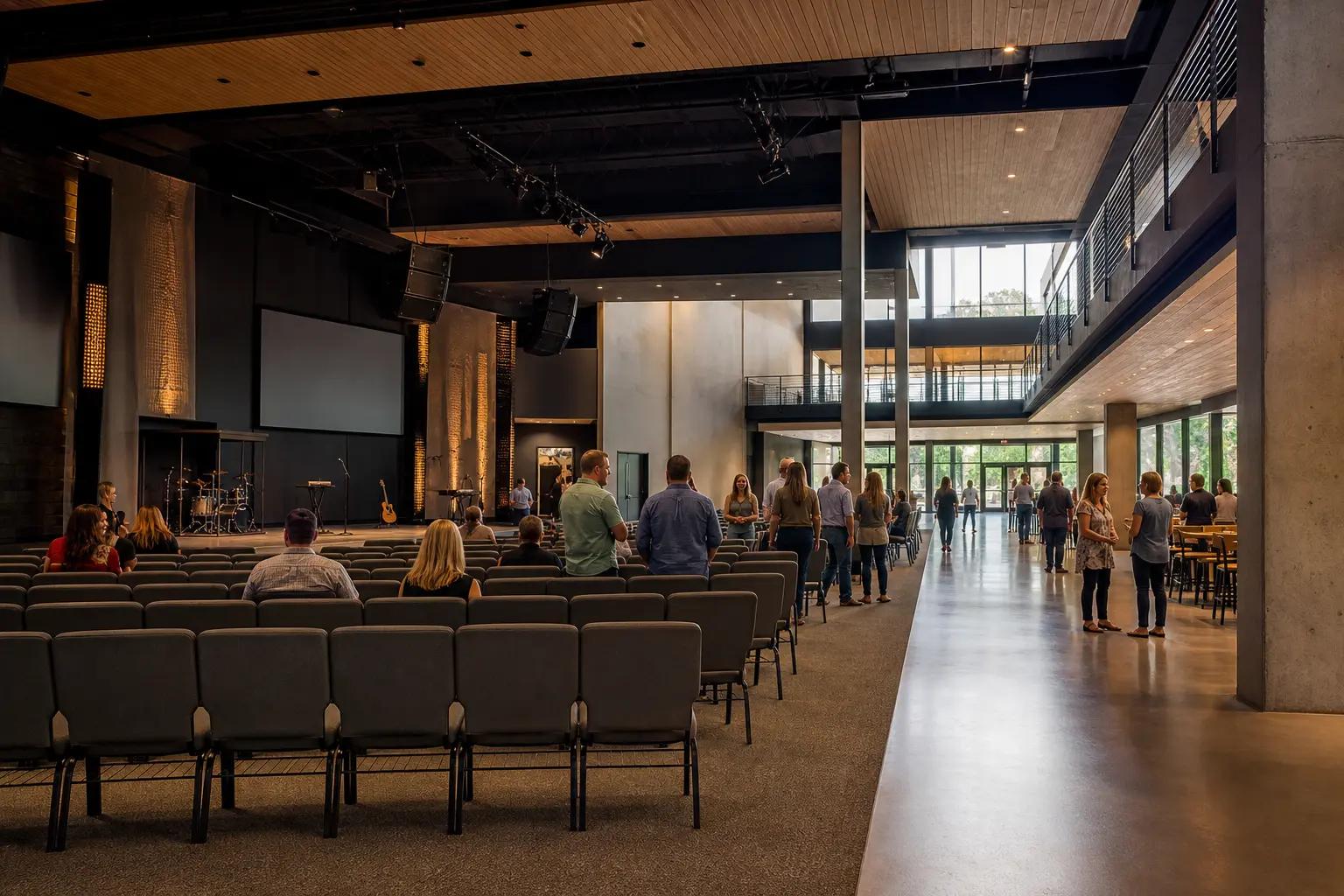
Occupancy, operating hours, user activity, regulation, weather, construction, and access can change the design.
What people usually ask
Should the room use a dedicated computer or user laptops?
Either can work. Compare platform consistency, guest access, account ownership, security, management, peripherals, updates, and recovery. Many rooms support one primary model plus a controlled alternate.
Why does a small room still sound bad?
Hard surfaces, participant distance, microphone pattern, loudspeaker placement, echo cancellation, noise, gain structure, and platform settings can matter more than room area.
What does AV commissioning prove?
It should verify signal paths, labels, control, audio behavior, images, camera framing, network and account operation, room scenarios, failure recovery, documentation, and user handoff against written acceptance criteria.
Standards and referencesReview the source materialView details
Sources used for this guide
These references inform the guide. The adopted code, engineer of record, authority having jurisdiction, manufacturer instructions, and signed agreement control the project.
Catalogs standards for AV system performance verification, documentation, image contrast, audio, rack design, labeling, and related work.
Open reference ↗World Wide Web Consortium · reviewed 2026-08-20Web Content Accessibility GuidelinesProvides accessibility principles relevant to web-based room controls, scheduling interfaces, captions, and digital content.
Open reference ↗National Institute of Standards and Technology · reviewed 2026-08-20SP 800-128: Security-Focused Configuration ManagementSupports managed baselines, change control, configuration records, and monitoring for networked room systems.
Open reference ↗