Restaurant systems

Restaurant Order-to-Kitchen

Connect front-of-house order entry, kitchen routing, ticket printing, and operational reporting around one supported restaurant platform.

1 restaurant · 1 POS station · 2 kitchen screens

Built around your siteConfigured project quote

A written scope and price follow software, hardware, and site verification.

Discuss this package ↗

Manufacturer photos show the listed products or families. Representative components are labeled; accessories, finish, mounts, and orderable configurations are finalized in the bill of materials.

The full starting scope

Everything, unpacked.

Designed for: Restaurants with separate preparation stations and a need to track orders from entry to completion.

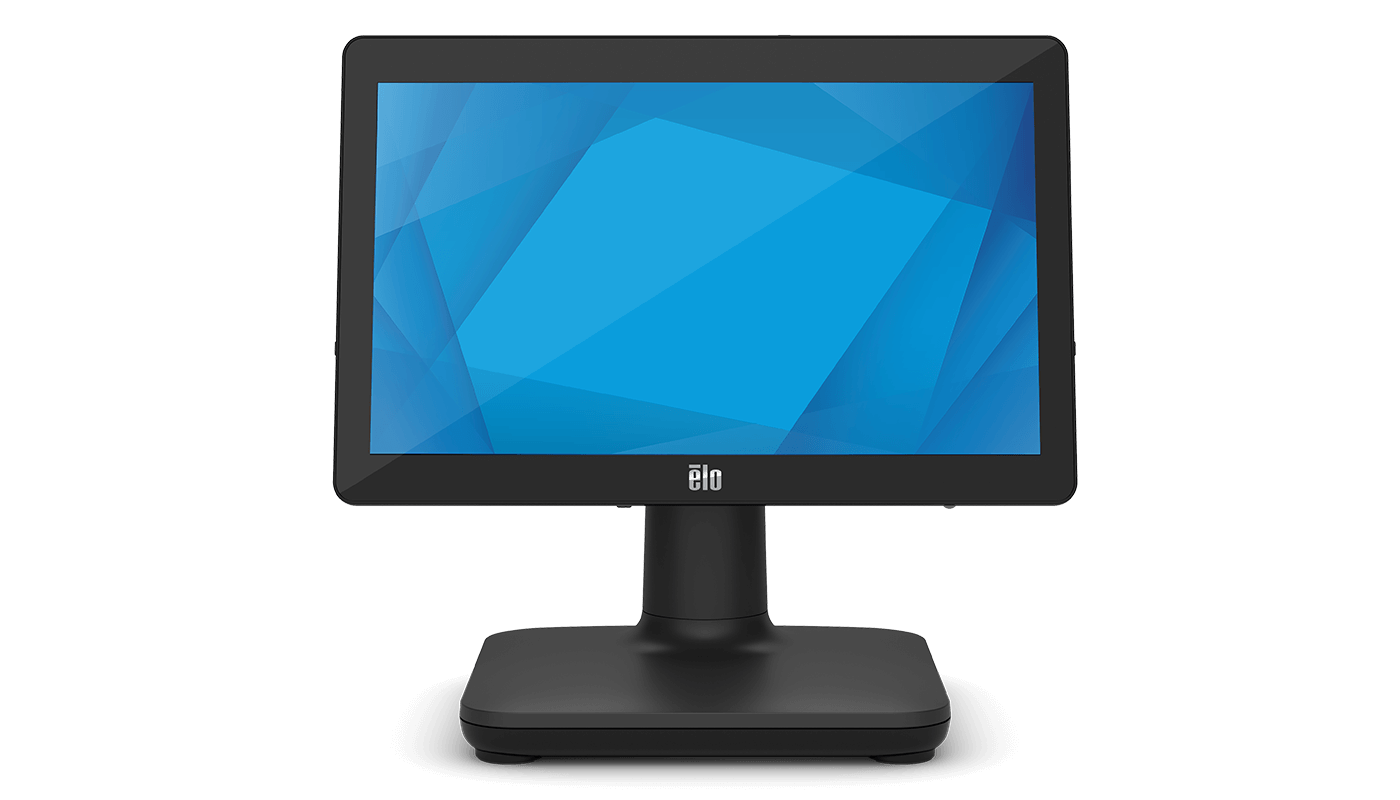
EloPOS 15.6-inch point-of-sale system
Manufacturer photoEloPOS 15.6-inch
01 / equipment · 1 included

Elo point-of-sale workstation

A vendor-supported Windows configuration for the selected ordering application; payment terminals and acquiring arrangements are separately approved.

Equipment specifications & configuration →

Elo 22-inch I-Series 5 Android touch display
Manufacturer photoI-Series 5 Android 22-inch / E541463
02 / equipment · 2 included

Elo kitchen-display workstations

Android touch displays with mounts and power matched to the selected kitchen-display application and installation environment.

Equipment specifications & configuration →
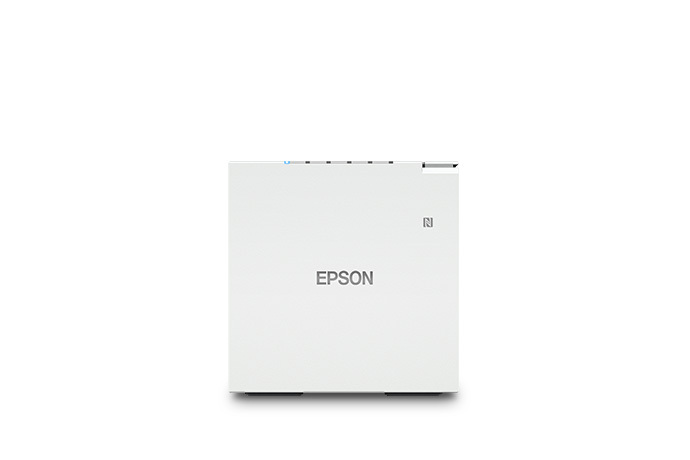
Epson OmniLink TM-m30III receipt printer
Manufacturer photoTM-m30III / C31CK50011
03 / equipment · 1 included

Epson receipt and ticket printer

Select the supported interface, regional power, paper, and POS driver/application configuration.

Equipment specifications & configuration →
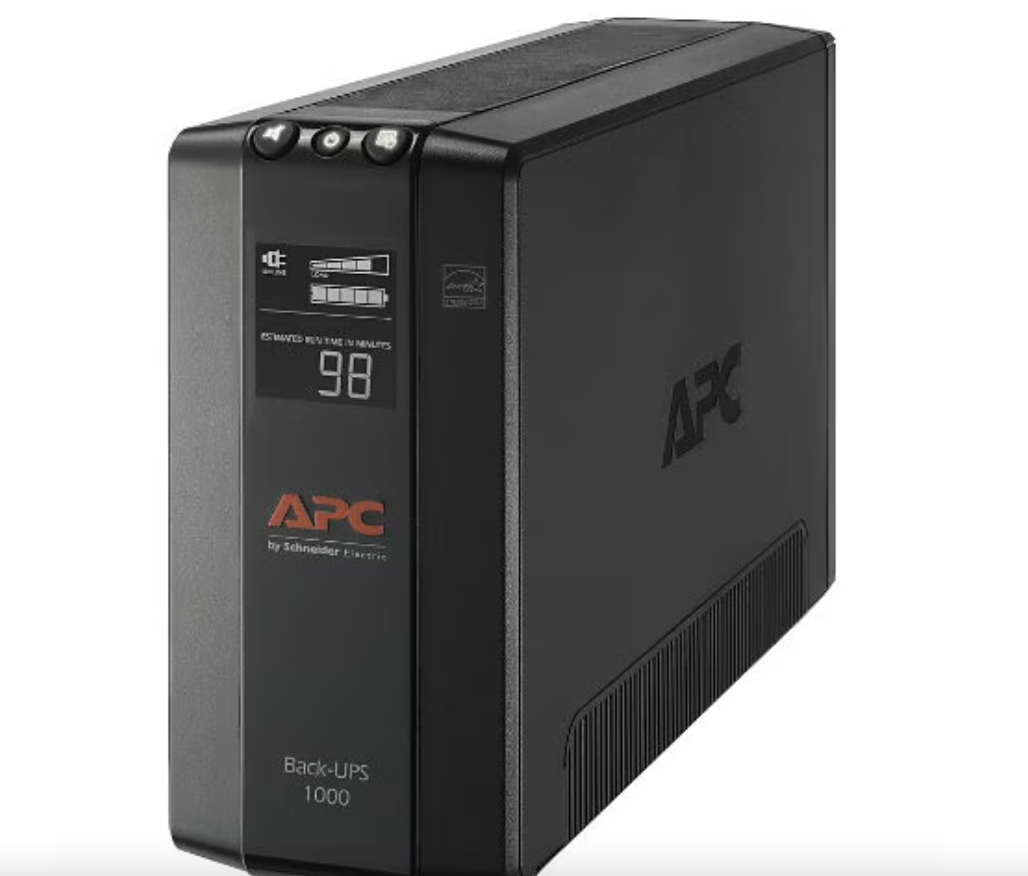
APC Back-UPS Pro BX1000M tower UPS, 1000VA
Manufacturer photoBack-UPS Pro BX1000M
04 / equipment · 1 included

Network battery backup

Load and expected runtime are verified for the connected equipment. This does not establish a whole-site outage or server-runtime guarantee.

Equipment specifications & configuration →
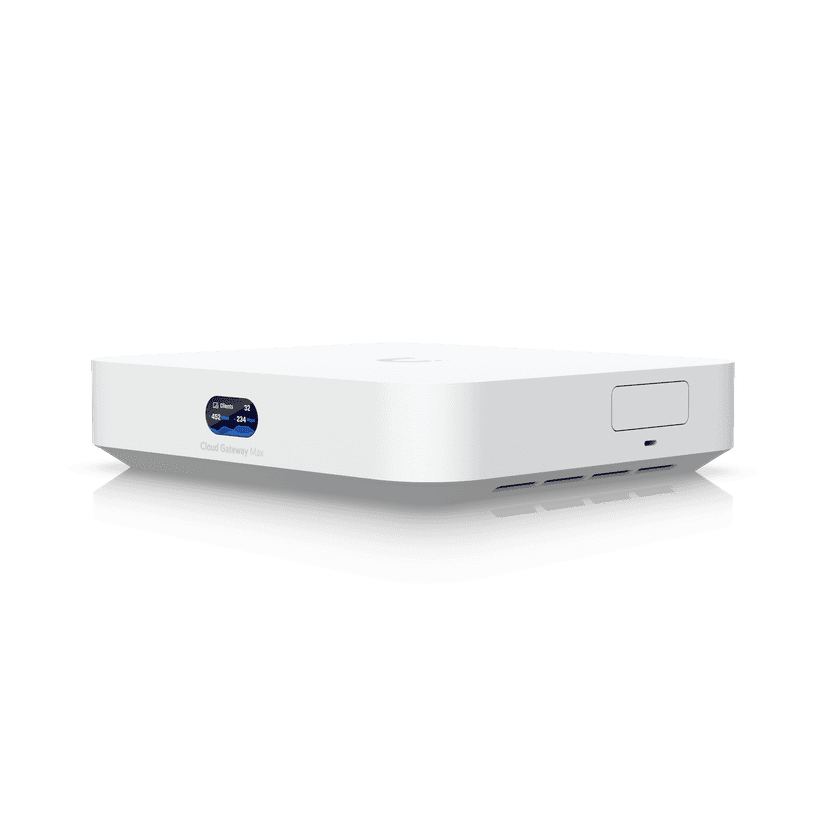
Ubiquiti UniFi Cloud Gateway Max
Manufacturer photoUCG-Max
05 / equipment · 1 included

Business gateway and network controller

Configured routing, firewall rules, administrative access, and the agreed business/guest network separation.

Equipment specifications & configuration →
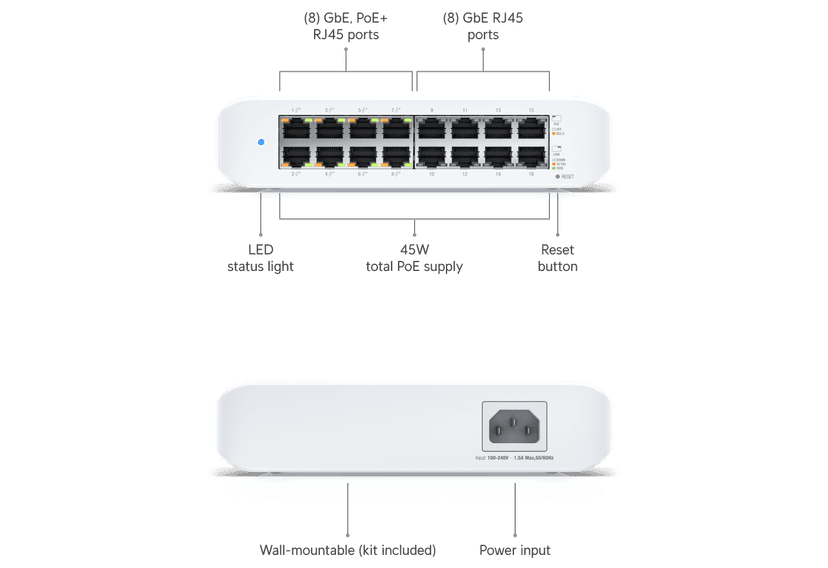
Ubiquiti UniFi Switch Lite 16 PoE
Manufacturer photoUSW-Lite-16-PoE
06 / equipment · 1 included

PoE network switch

Port schedule and powered-device budget verified against the selected equipment. SFP modules and uplinks are specified when needed.

Equipment specifications & configuration →
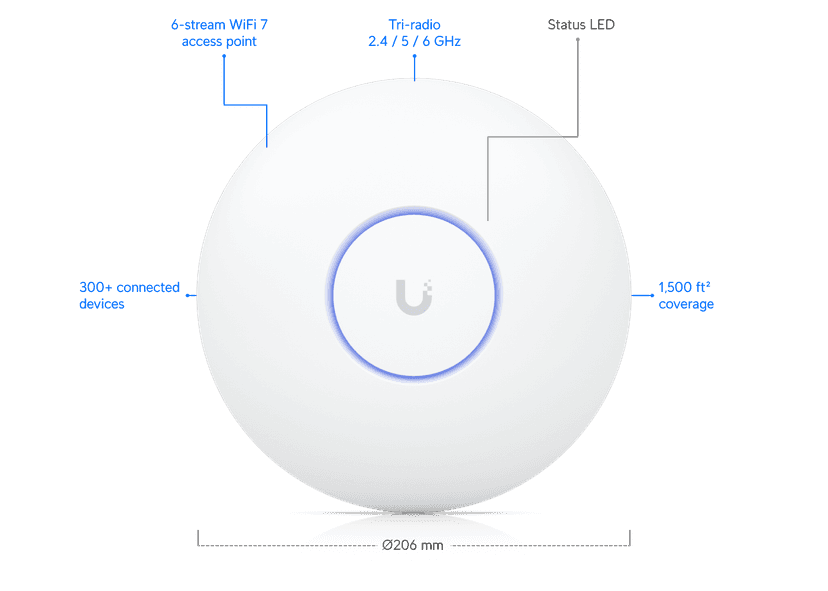
Ubiquiti UniFi U7 Pro access point
Manufacturer photoU7-Pro
07 / equipment · 2 included

Indoor Wi-Fi access points

Wired uplinks and agreed SSIDs. Placement and coverage are verified on site; floor area alone does not establish coverage.

Equipment specifications & configuration →
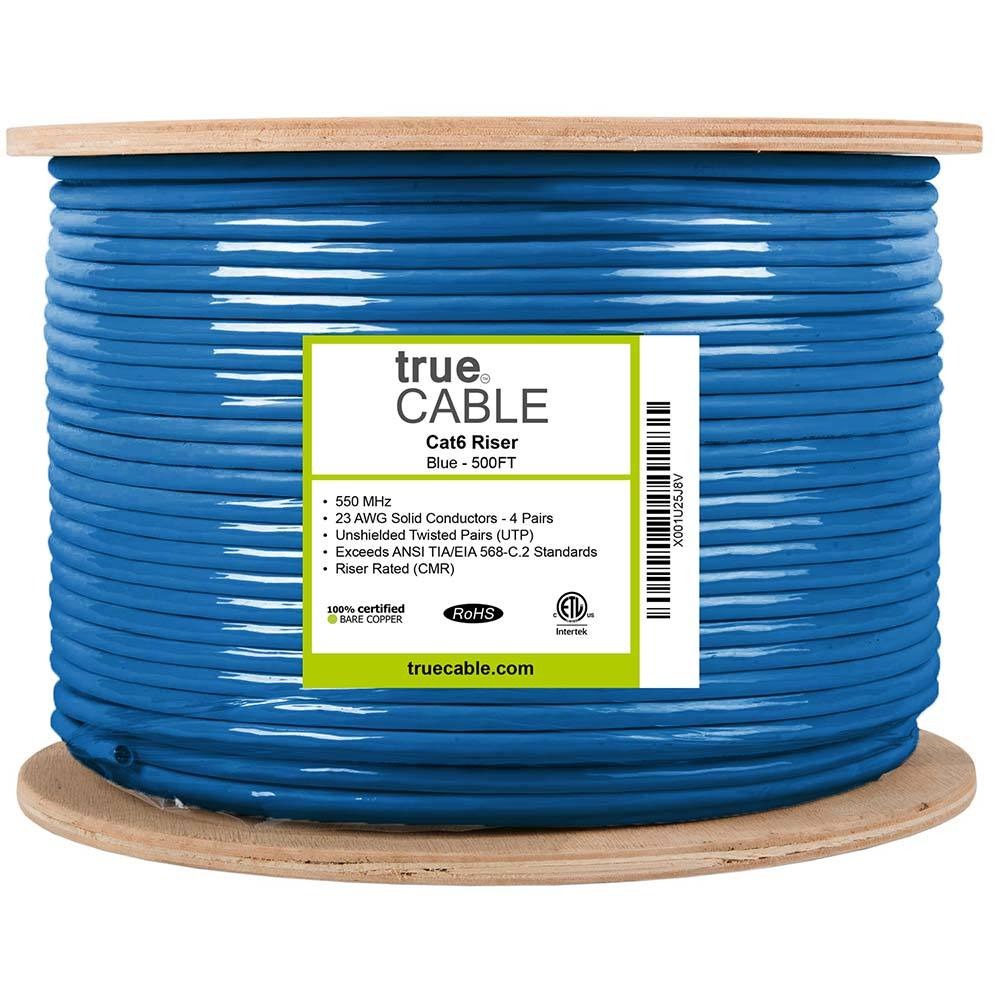
trueCABLE Cat6 CMR riser cable
Representative componentRepresentative Cat6 cable
trueCABLE Cat6 toolless keystone jack
Representative componentRepresentative terminations
trueCABLE 24-port modular patch panel
Representative componentRepresentative patching
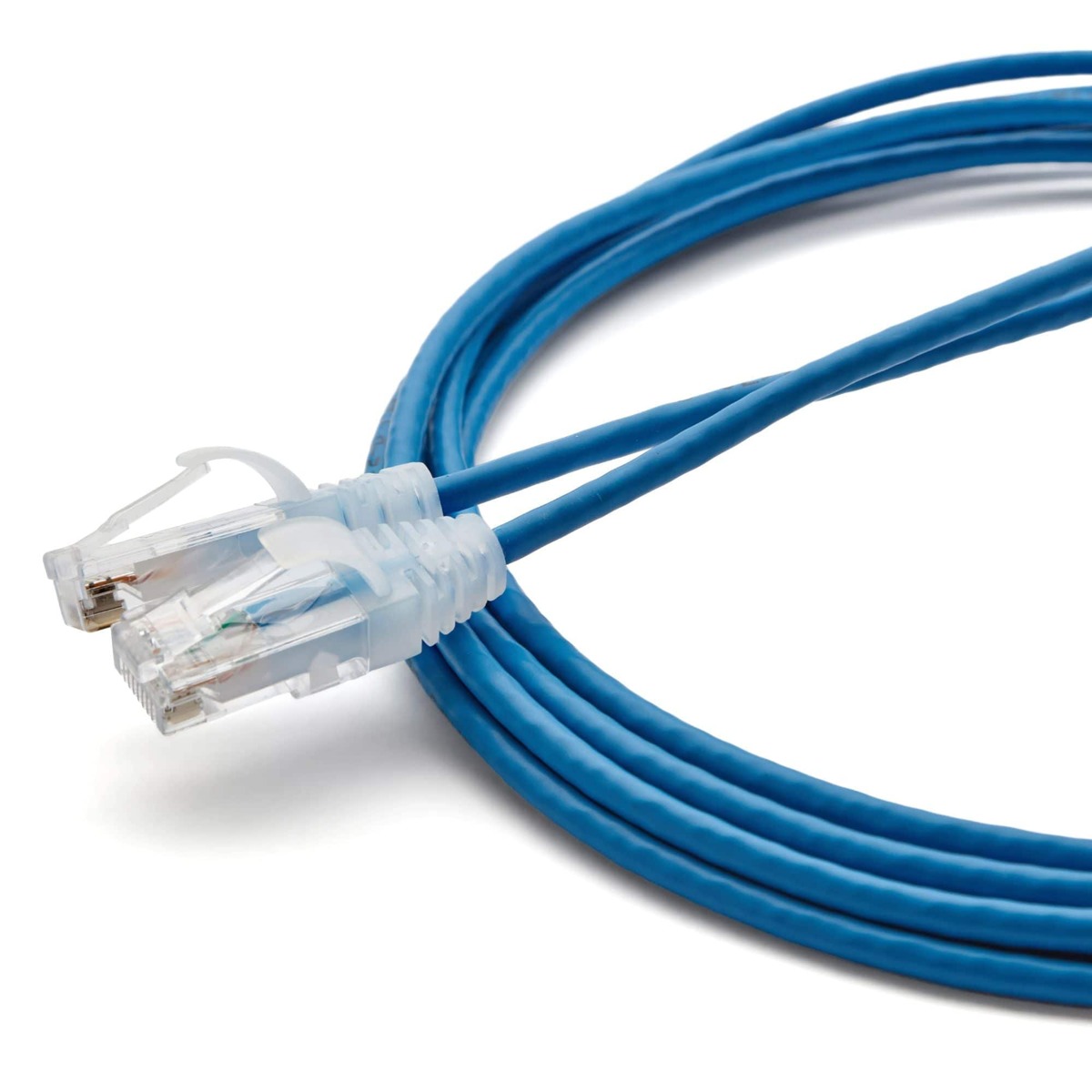
trueCABLE Cat6 patch cord
Representative componentRepresentative patch cord; lengths, colors, and quantities follow the port schedule
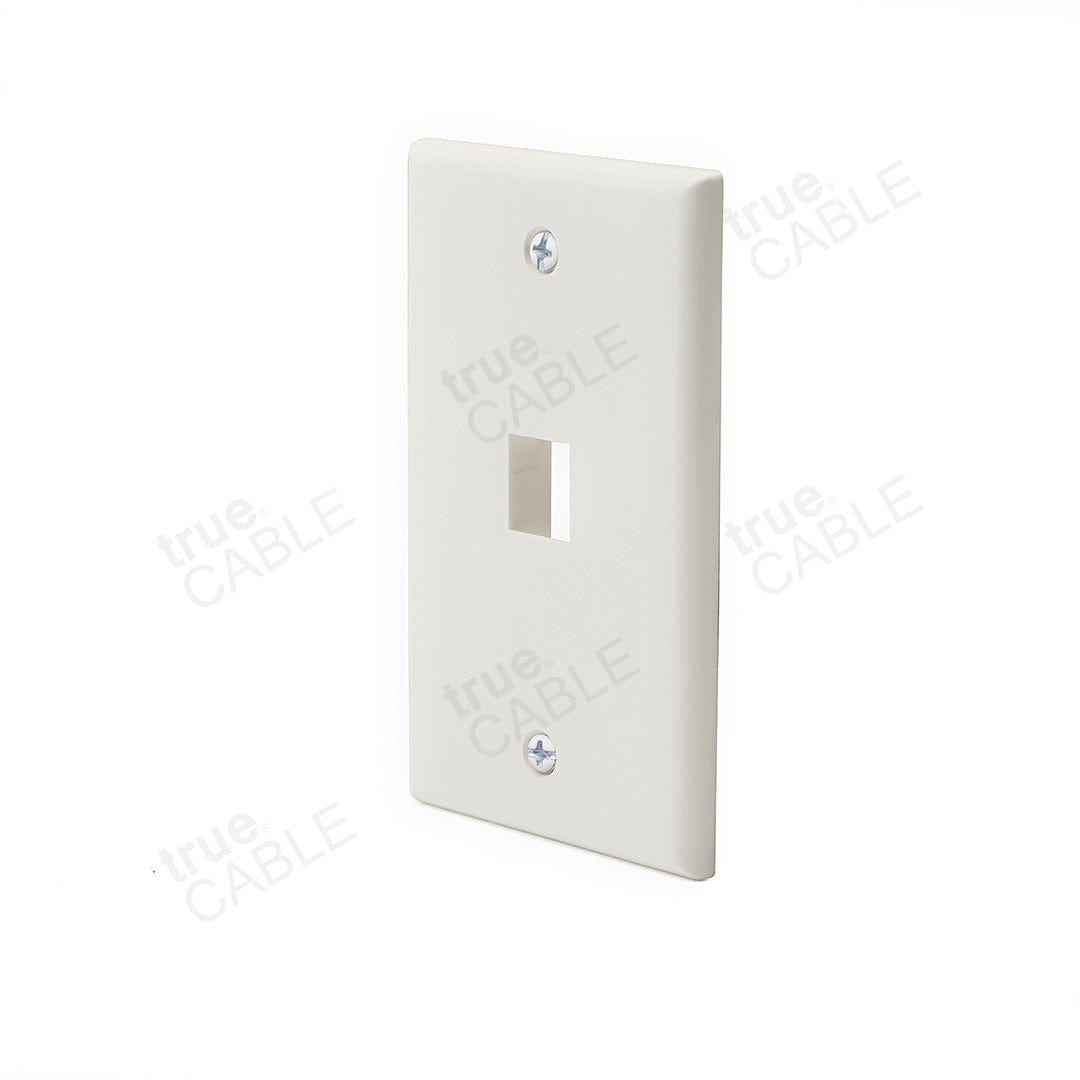
trueCABLE one-port wall plate
Representative componentRepresentative wall plate; port count and finish follow the outlet schedule
08 / installation · 8 outlets

Installed Cat6 data outlets

One identified permanent link per outlet, with termination, labeling, patching, and the agreed certification record. Routes and link lengths are surveyed.

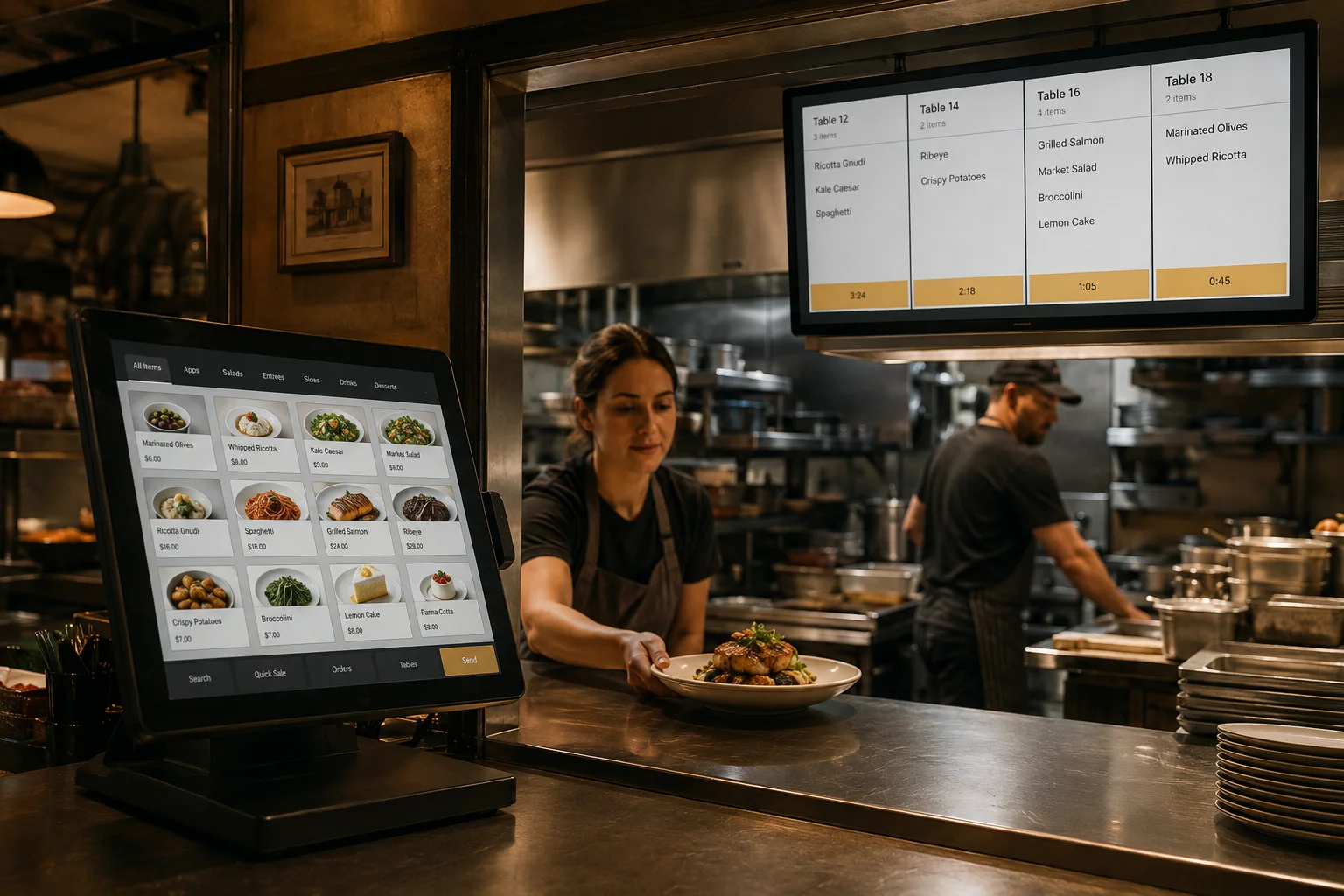
Illustrative restaurant point-of-sale and kitchen order workflow
Illustrative environmentIllustrative business solution
09 / software · 1 scoped workflow

Order routing and kitchen integration

Configure menu import, modifiers, station routing, order state, receipt printing, user roles, and daily sales reporting in one supported platform. Agree on the actual integration before purchase.

Included delivery work

  • Configuration-specific equipment schedule and compatibility review
  • Installation, labeling, configuration, and the named software/integration work
  • Functional acceptance checks with recorded exceptions
  • Operator training, administrator handover, and an operating runbook
In daily operation

What you can do with it.

Use cases are implemented against the agreed application, device configuration, and operating rules.

Illustrative restaurant point-of-sale and kitchen order workflow
Illustrative business environment
01

Send an order to the right station

Route the approved menu items and modifiers to preparation screens so each station receives the work assigned to it.

02

Track preparation and handoff

Move a test order through accepted, preparing, ready, and completed states where the platform supports them, with a clear owner for exceptions.

03

Review the trading day

Reconcile orders, cancellations, and sales totals in the platform report. Forecasting or accounting connections can be added as a separate defined workflow.

From planning to daily use

A working system, handed over.

01

Confirm the configuration

Survey the site and agree on exact models, quantities, interfaces, licenses, mounting, access, and the workflow acceptance criteria.

02

Stage and install

Prepare devices and software, document identifiers, install the scoped infrastructure, and connect the named systems.

03

Test the actual work

Place an order with modifiers, route to both stations, void a test item, reprint a ticket, recover a disconnected screen, and reconcile end-of-day sample totals.

04

Train and hand over

Demonstrate the workflow, hand over access and documentation, record remaining decisions, and confirm support ownership.

Set the right expectations

What we confirm together.

Before we start

  • Chosen POS/KDS vendor, supported device list, licensing, menu data, and payment-provider approval
  • Station map, heat/grease/cleaning conditions, mounting access, and network paths
  • Approved bill of materials, software entitlements, access window, and customer acceptance owner

Outside the starting scope

  • Payment terminals, merchant processing agreements, transaction fees, and PCI certification
  • Third-party delivery aggregators, online ordering subscriptions, or forecasting unless listed in the final scope
  • Recurring licenses, cloud storage, maintenance, and response coverage are separate unless included in the signed agreement

Ways to expand

  • Additional terminals or preparation screens
  • Online ordering and pickup status
  • Sales forecasting and prep planning
Make it fit your business

Start with this package.
Build around your operation.

Tell us about your locations, current systems, staff, and daily workflow. We will map the equipment and work to a reviewable scope.

Discuss Restaurant Order-to-KitchenCompare all packages →