
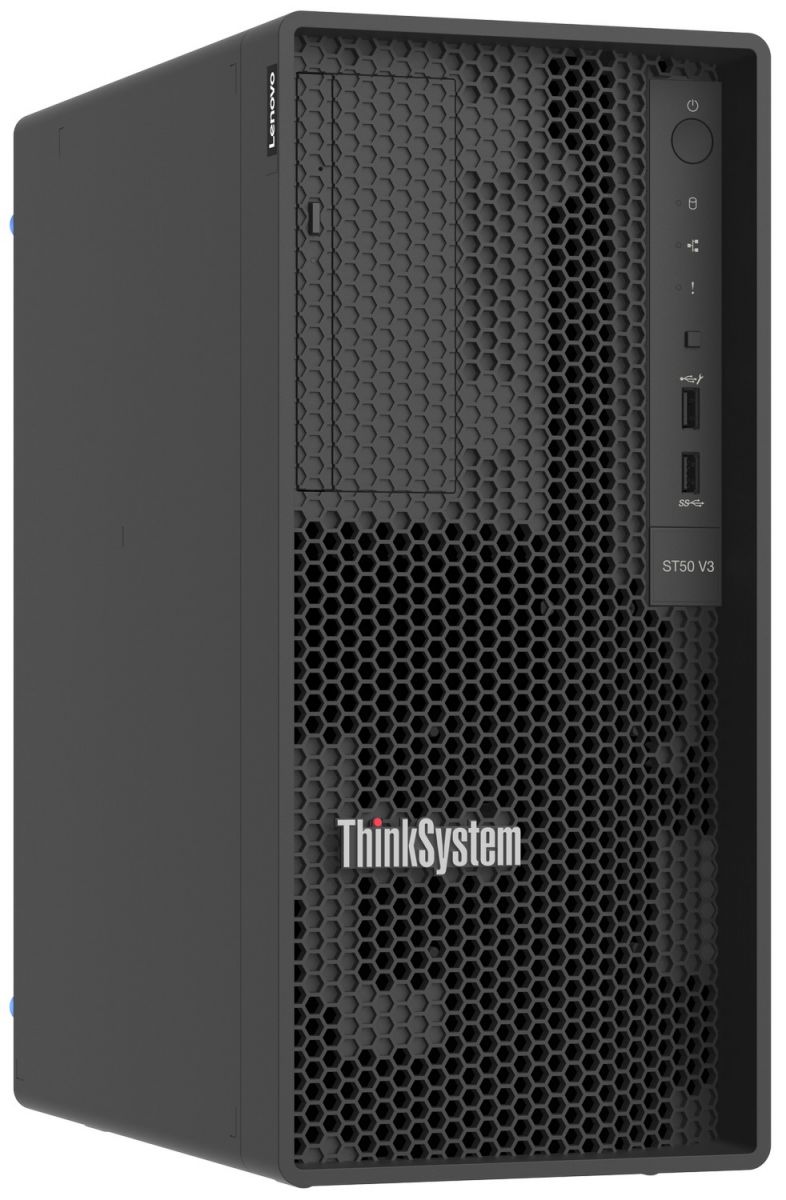
01 / equipment · 1 included
Lenovo ThinkSystem ST50 V3 server
Configuration sized for the approved inventory application, storage, operating system, licensing, and recovery requirements.
Equipment specifications & configuration →A defined receiving, counting, and stock-adjustment setup that connects handheld scanning to a store inventory record.
1 store · 3 handhelds · 1 label station
A written scope and price follow software, hardware, and site verification.
Ask about financing for eligible equipment, software and installation. You may be able to spread the project cost over time.
Explore financing options ↗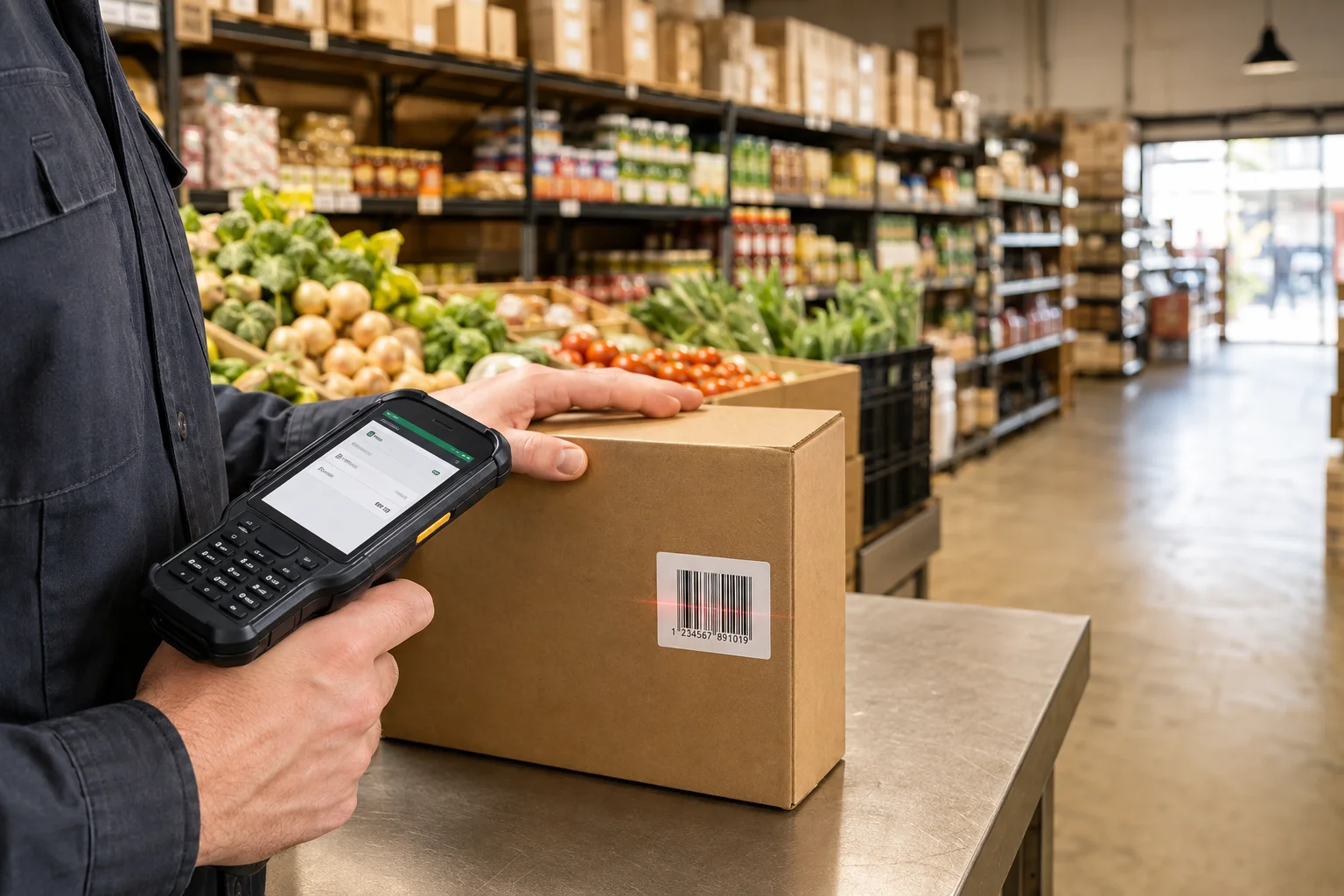
Environment images are illustrative. Manufacturer photos show the listed products or families. Representative components are labeled; accessories, finish, mounts, and orderable configurations are finalized in the bill of materials.
Designed for: Independent grocers, specialty markets, and retail stockrooms replacing paper counts or shared spreadsheets.
Configuration sized for the approved inventory application, storage, operating system, licensing, and recovery requirements.
Equipment specifications & configuration →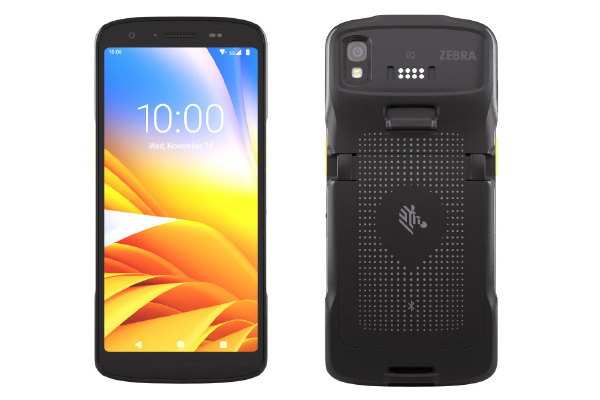
Wi-Fi model from the TC22/TC27 family. Select the scan engine, memory, battery, protective accessories, Android support, and management licenses against the actual task.
Equipment specifications & configuration →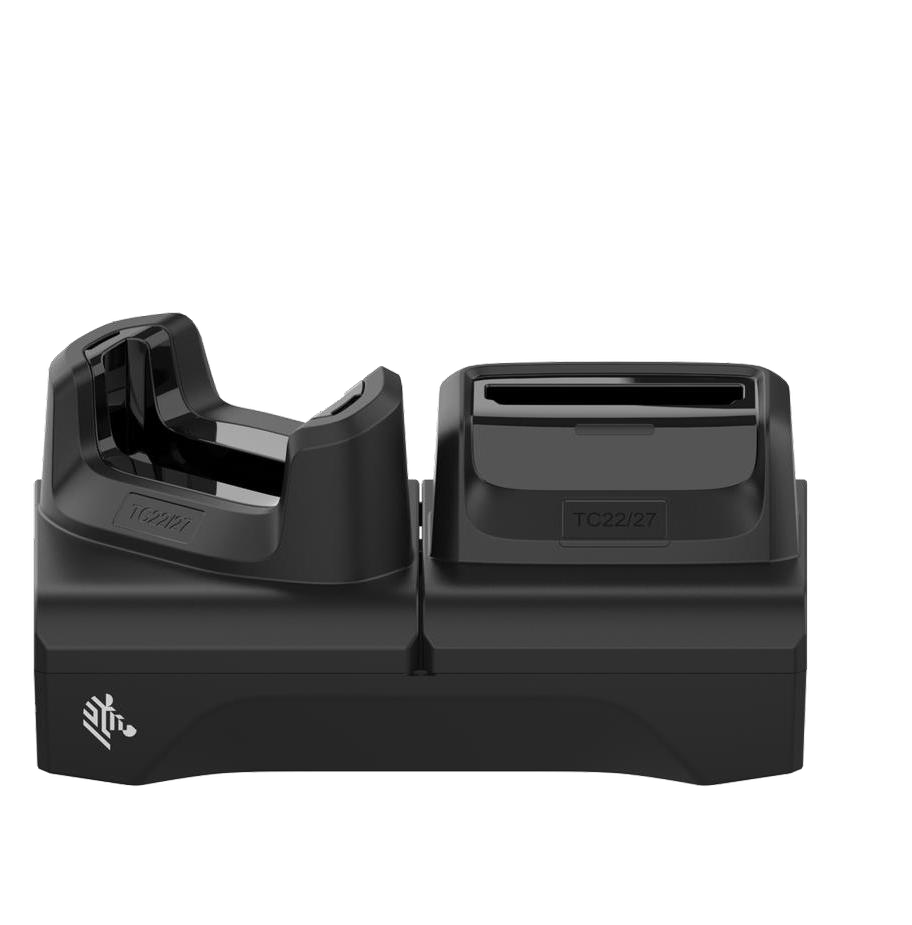
Each station includes a configuration-confirmed cradle, PWR-BGA12V50W0WW power supply, CBL-DC-388A1-01 DC cable, and regional AC cable in the final bill of materials. Protective boots and shims are matched before ordering.
Equipment specifications & configuration →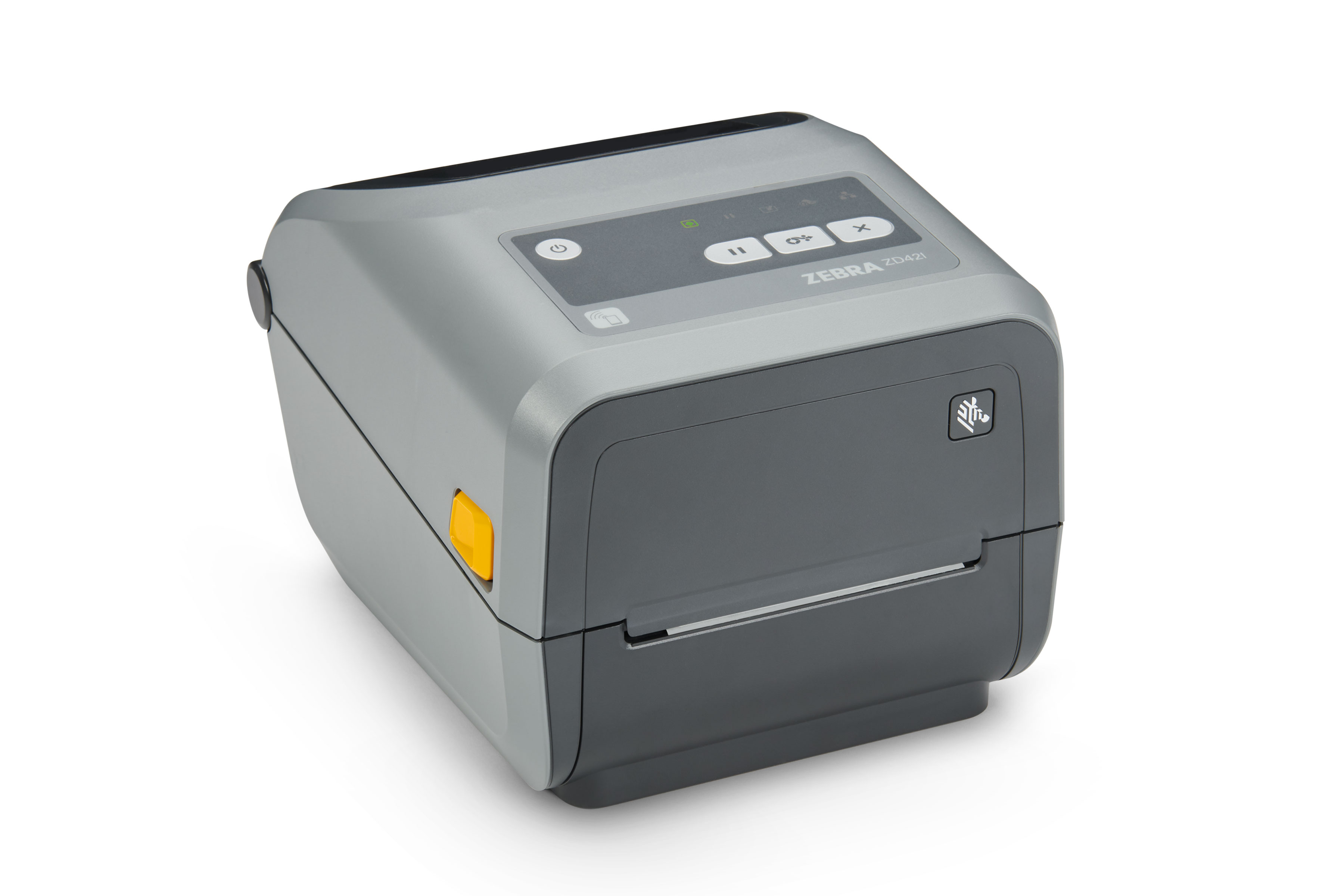
Specify direct thermal or thermal transfer, resolution, network interface, media, ribbons where required, and sample-label quantity. The family photograph does not define the orderable configuration.
Equipment specifications & configuration →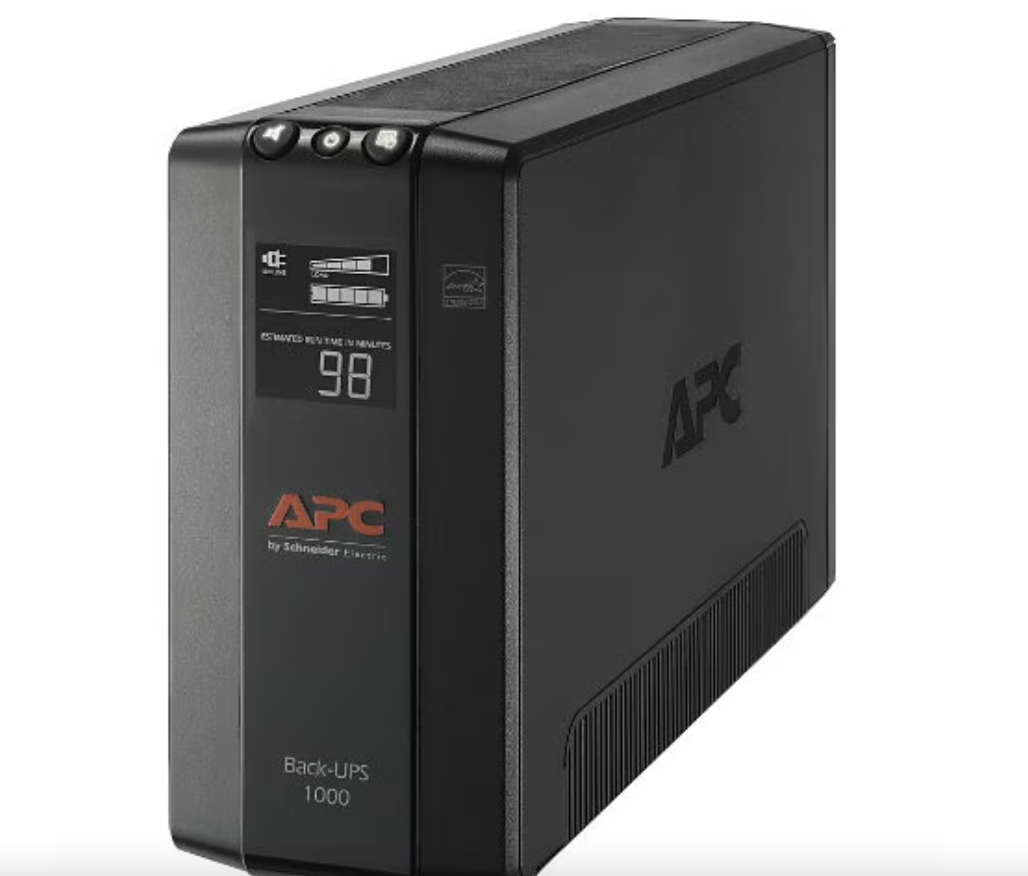
Load and expected runtime are verified for the connected equipment. This does not establish a whole-site outage or server-runtime guarantee.
Equipment specifications & configuration →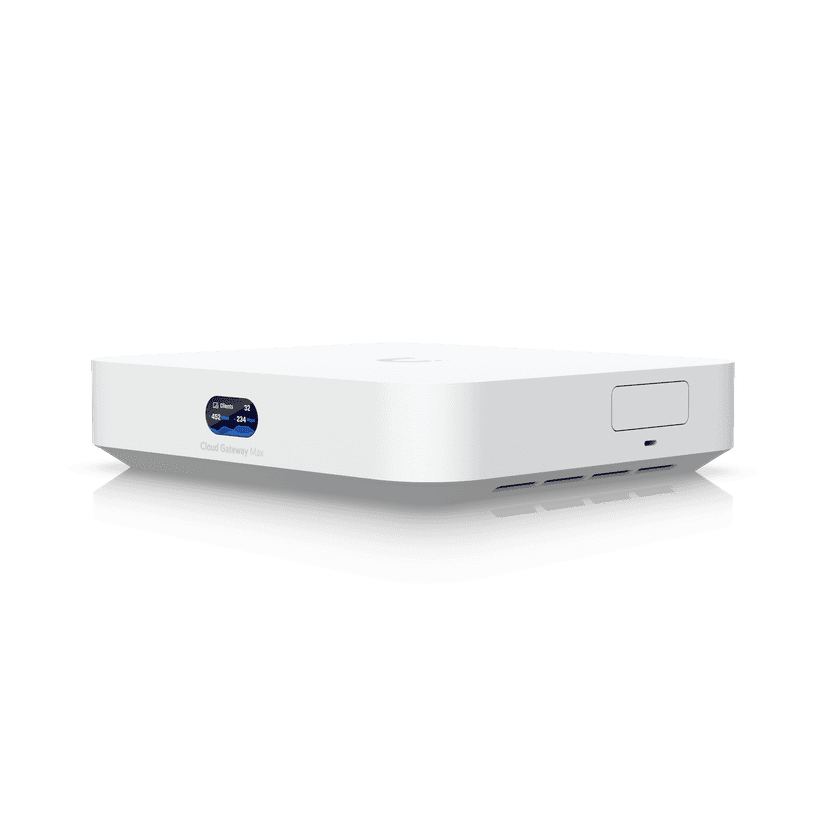
Configured routing, firewall rules, administrative access, and the agreed business/guest network separation.
Equipment specifications & configuration →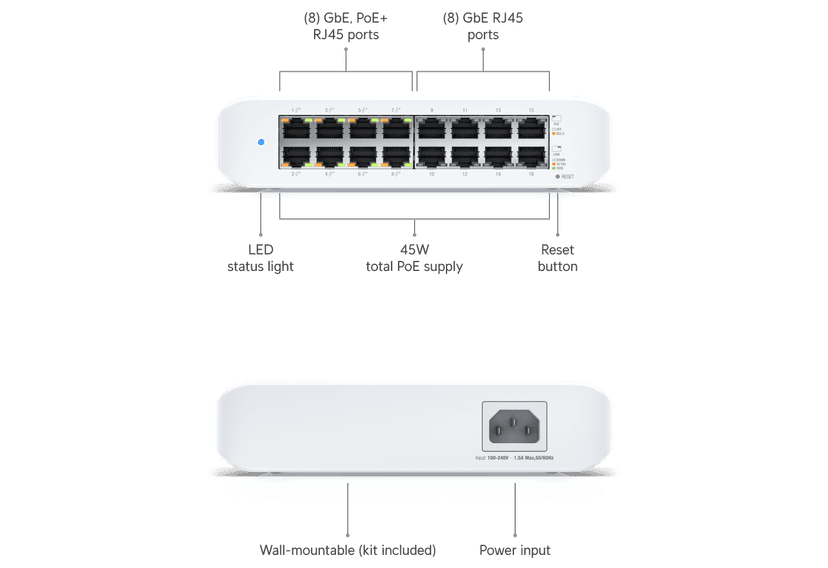
Port schedule and powered-device budget verified against the selected equipment. SFP modules and uplinks are specified when needed.
Equipment specifications & configuration →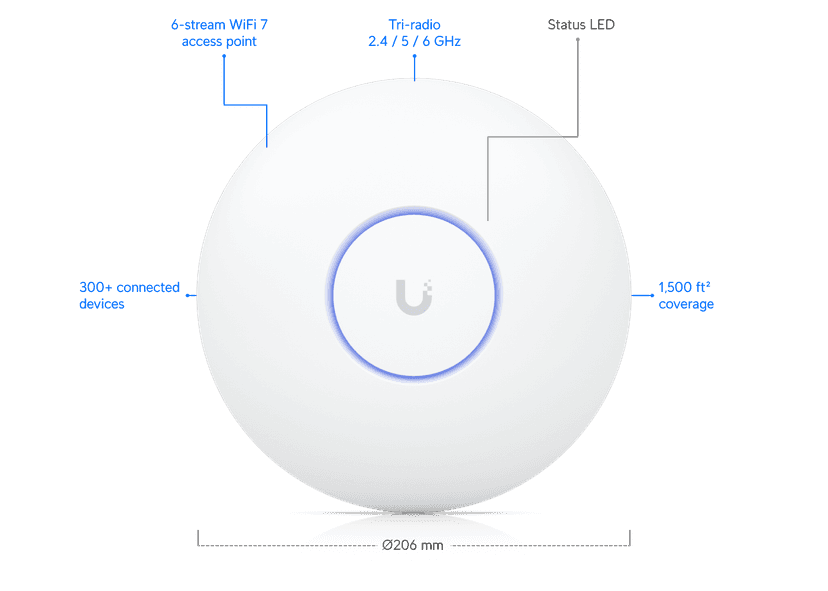
Wired uplinks and agreed SSIDs. Placement and coverage are verified on site; floor area alone does not establish coverage.
Equipment specifications & configuration →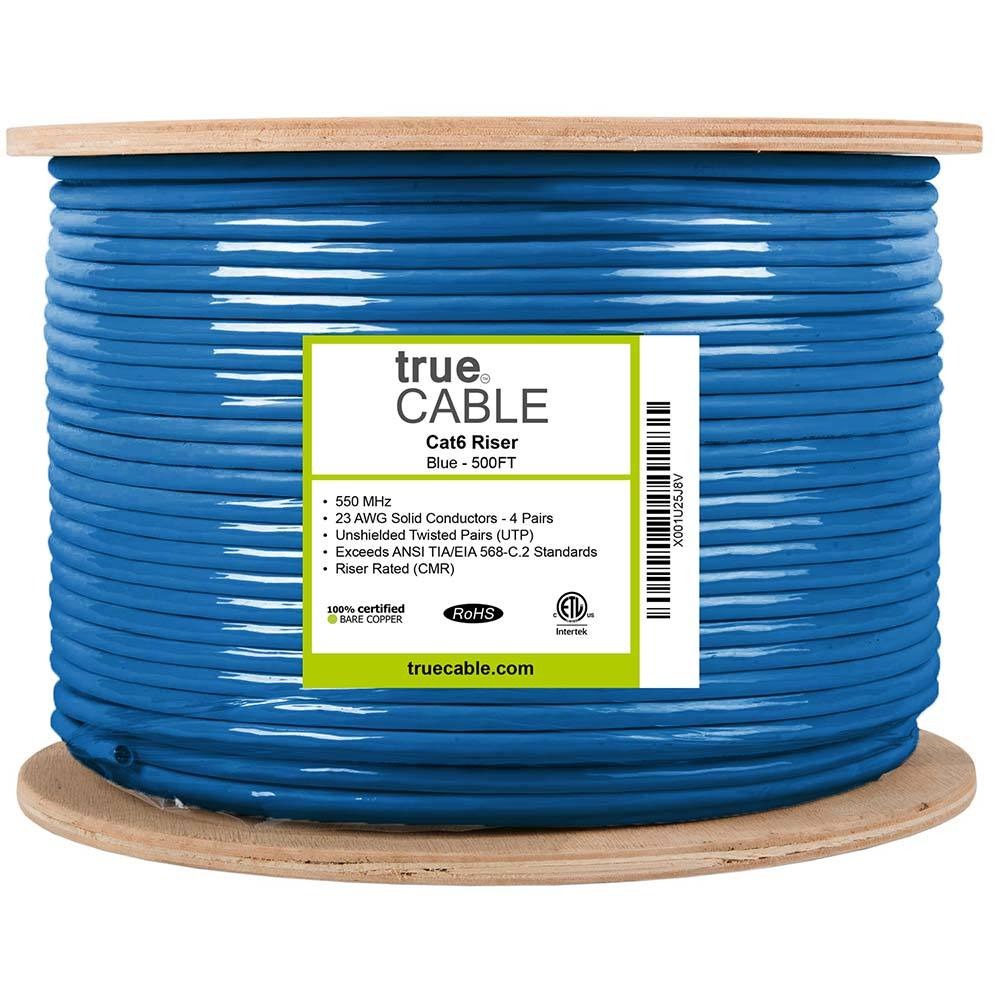

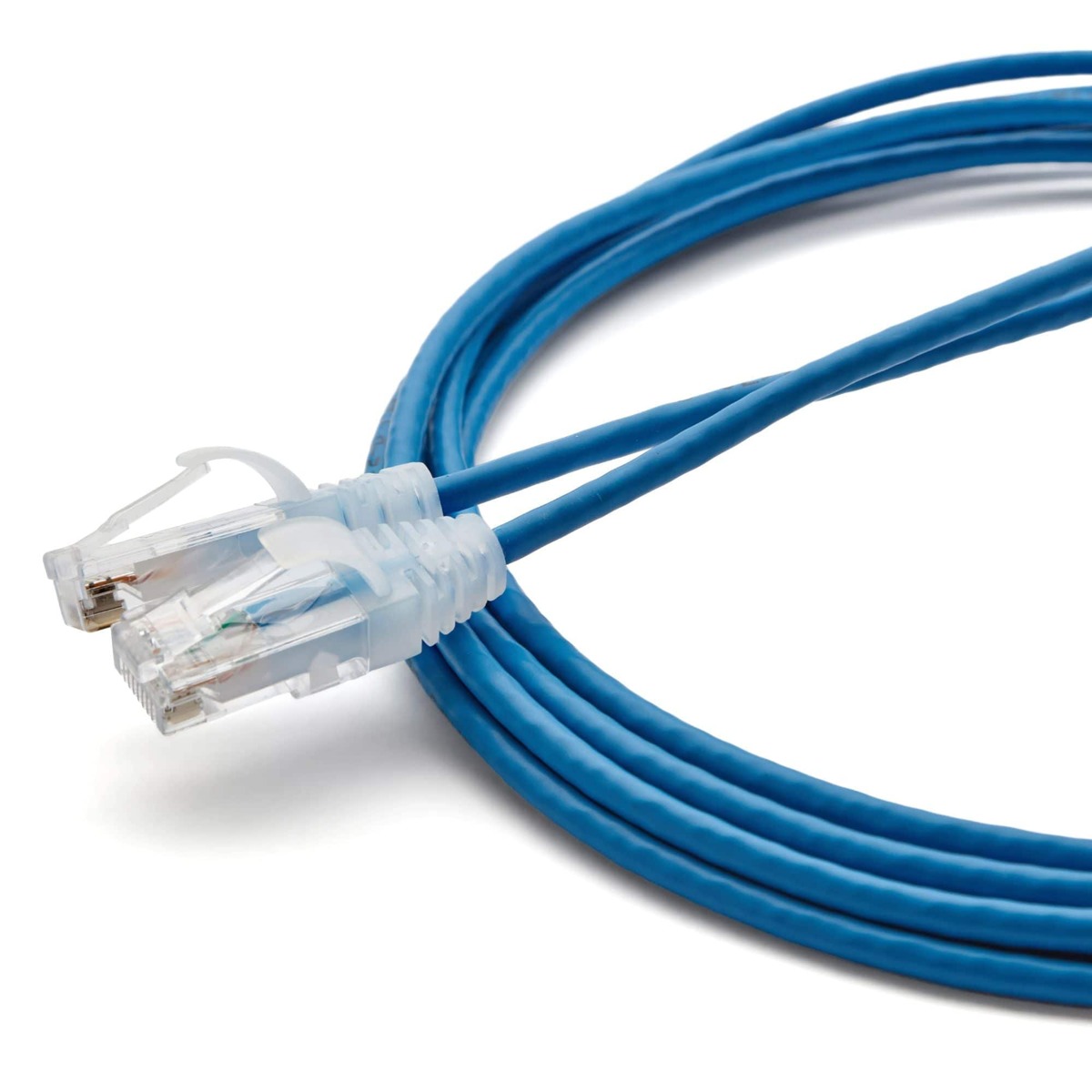
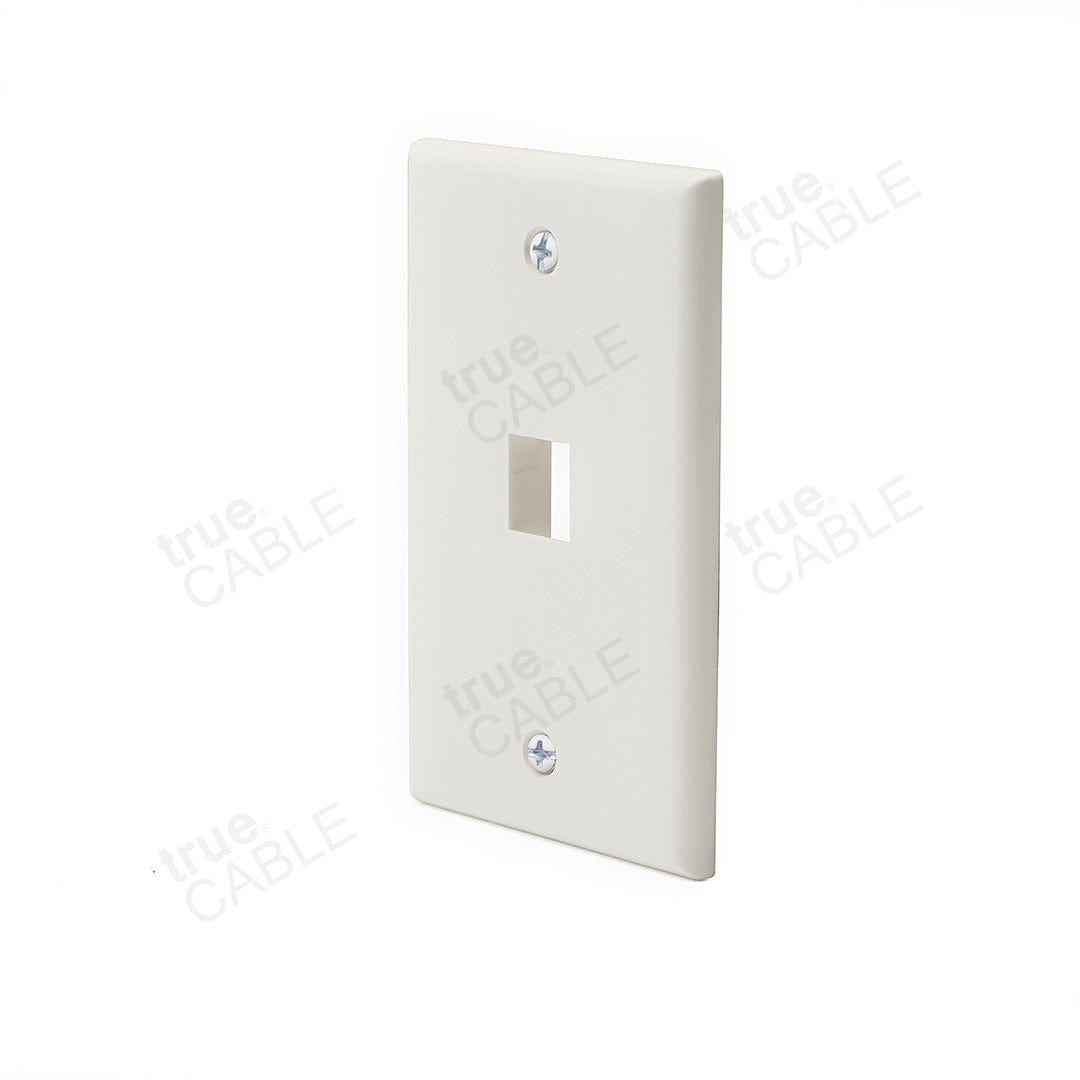
One labeled permanent link per outlet with agreed certification. Preferred Hubbell work-area jacks are matched to the approved rapid termination tool; Panduit rack panels use compatible rack terminations and cable management. Mini-Com panels do not imply universal Hubbell jack fit. Include matching faceplates, rated solid-copper cable and patch cords; routes and exact parts are surveyed.
Configure receiving, item/location lookup, cycle counts, and authorized stock adjustments for one approved inventory system. Agree on item imports, roles, exception handling, and the supported interface.
Use cases are implemented against the agreed application, device configuration, and operating rules.
Scan an item, record a location and quantity, and reconcile the receipt with the store record. Unknown or mismatched identifiers go to a review queue.
Let an authorized staff member count a shelf or stockroom area from the handheld and reconcile differences before posting adjustments.
Print the agreed product/location labels and use the same identifiers at receiving, shelves, and the stockroom. Label format and material follow the actual environment.
Keep the starting scope or ask us to adapt the complete implementation. Selections are carried into your request and qualified together before a written quote.
Hubbell jacks are matched to the approved rapid termination tool. Panduit panels use their specified compatible terminations; Mini-Com panels do not imply universal Hubbell jack fit. Existing links and new materials are surveyed before reuse or substitution.
Survey the site and agree on exact models, quantities, interfaces, licenses, mounting, access, and the workflow acceptance criteria.
Prepare devices and software, document identifiers, install the scoped infrastructure, and connect the named systems.
Receive sample stock, count a location, correct a quantity, print and scan a label, verify permissions, and test a device disconnect plus server restore sample.
Demonstrate the workflow, hand over access and documentation, record remaining decisions, and confirm support ownership.
Tell us about your locations, current systems, staff, and daily workflow. We will map the equipment and work to a reviewable scope.
Discuss Grocery Inventory Starter ↗Compare all packages →